Claude Code - Optimizing Token Usage
A practical guide to reducing token consumption in Claude Code; CLI commands, optimization of CLAUDE.md, and other context management.


This article is part of the Claude Code series:
- Claude Code - Optimizing Token Usage
- Claude Code - From Slash Commands to a Layered Workflow
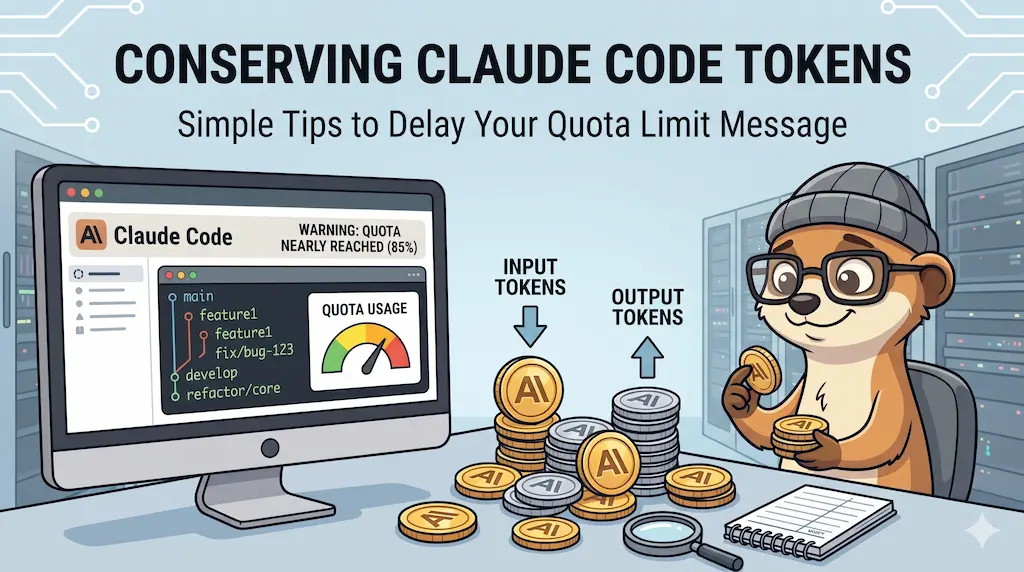
Tokens are the currency of AI conversations: every word you send and receive has a cost. This article walks through practical techniques to reduce token consumption in Claude Code — from slash commands like /clear and /compact, to CLAUDE.md optimizations, smarter data-fetching rules, and off-peak usage tips.
If you are new to Claude Code, you may not yet be aware that every interaction has a cost measured in tokens. Roughly speaking, a token is a small chunk of text (about 4 characters or ¾ of a word). The more context Claude has to process — your conversation history, open files, tool outputs — the more tokens are consumed. On paid plans, this affects your quota; on free plans, it directly limits how much you can do in a session.
This article collects practical tips to help you get the most out of your token budget.
Reducing Context
Token-Saving Tips
/clear— Start a fresh conversation when the current history is no longer relevant. The longer the conversation, the more input tokens each new message costs./compact— When quota reaches ~40% and you want to keep the history,/compactsummarizes it using AI. Run it when the conversation is long and will continue for several more exchanges.
- Commit your changes — After completing a task, run
git add+git commit. Claude Code continuously reads the diff to detect regressions; an emptygit diffmeans less context consumed on every message. /caveman(plugin) — Forces Claude to respond as compactly as possible, reducing output tokens. Trade-off: lower response quality./caveman-compress CLAUDE.md— Rewrites your CLAUDE.md in ultra-compact syntax, replacing verbose sentences with abbreviations likeSOLIDorSRP, without losing any instruction.
/context— Shows what is loaded and how many tokens each item consumes, including each MCP server. Use/.mcpto enable or disable MCPs./usage-credits— Opens claude.ai to display your current usage percentage immediately.CLAUDE.mdsize — This file is loaded at every startup, consuming input tokens before you type a single word. Keep it minimal — only what is truly necessary.- Cache invalidation — Switching models or adding an MCP server invalidates Claude's prompt cache, forcing it to re-read everything. Make those changes at the start of a new conversation (after
/clear). - Files and images — Attaching a PDF, Word document, or image costs significantly more input tokens. Paste the relevant text directly into the prompt whenever possible.
/btw— Adds an ephemeral side note to the conversation without including it in the full context history. Note:/btwblocks agents from running any tools on your codebase.
Model Choice
The choice of model directly impacts token consumption — the more capable the model, the more it costs:
Model cost vs use case
- Claude Opus — Highest token cost. Best for complex reasoning, architectural decisions.
- Claude Sonnet — Medium token cost. Best for day-to-day development tasks.
- Claude Haiku — Lowest token cost. Best for speed, simple queries, quick edits.
CLAUDE.md File
Loaded at every startup — every byte here costs tokens before your first message. Write in telegraphic style; SOLID and SRP are understood without full sentences. If an instruction keeps growing because it needs to explain why, not just state the what, it may not belong here at all —
a later article covers moving that kind of standing
rule into a skill, an agent or a rule file instead of retyping it into CLAUDE.md every time it
grows.
Data Fetching Rules
Instructs Claude to use targeted grep/jq/yq calls instead of loading whole files.
Restrictive — maximum token savings:
## Data Fetching Rules

**Fetch only what each check requires — never pull full metadata upfront.**
Balanced — full reads for short source files, targeted for infra:
## Data Fetching Rules

**Distinguish between code and metadata:**

- **Source Code:** Because files are strictly max 200 lines, you may read full source files to grasp the complete import/dependency context and avoid breaking SRP.
- **Infrastructure & Logs:** Never read full logs, `.lock` files, or raw JSON/YAML metadata. You MUST use targeted shell tools (`grep`, `jq`, `yq`) for Docker configs, `compose.yaml`, JSON files or CI/CD files.
The restrictive version may lead to hallucinations; the balanced version trades a few extra tokens for accurate file context on short source files.
Output Mode
Adds ~25 input tokens at startup but shortens every AI response, compounding savings over long sessions.
Aggressive — shortest responses, reasoning less visible:
## Output mode

**Ultra-concise.** No filler words, no repetition, no introductions, no conclusions. Density over readability. Skip pleasantries. Go straight to findings.
Moderate — brief with one-line rationale per change:
## Output mode

**High-Density Technical.** No filler, pleasantries, or generic introductions. When proposing code changes, you MUST provide a 1-sentence technical rationale explaining your architectural choice (e.g., how it serves SOLID, DRY, or a specific PHP 8.4/Python 3.14 feature). Be a highly critical peer reviewer; flag flaws bluntly.
Aggressive mode saves more tokens but hides the AI's reasoning. Use moderate if you want to understand and learn from each suggestion.
Code Generation
Prevents Claude from returning entire files — only changed lines with minimal surrounding context.
## Code generation

Do not output unchanged code blocks. Only display the specific lines modified, providing minimal surrounding context. Rely strictly on tools for full file rewrites.
Off-Peak and Peak Hours
Anthropic has confirmed that, during business hours, there is a different message rate limit. The number of tokens remains the same, but their weighting does not: you will use up your quota more or less quickly depending on the time of day. If you are on a tight budget, working during off-peak hours (evenings or weekends) will stretch your quota further.
Extra
If you don't want to install caveman
Simply create a new conversation and paste this prompt, replacing [YOUR-CLAUDE.MD-CONTENT] with your actual file:
Caveman-style compression prompt
I want you to act as a token compressor for an LLM system prompt (in a "Caveman" style). Your goal is to drastically reduce the size of the following text while retaining 100% of the rules, technical constraints, and architectural guidelines. Compression rules: 1. Remove all connecting words, articles, polite language, and human grammar. 2. Use extreme telegraphic syntax, keywords, and standard abbreviations. 3. Group concepts by tags (e.g., [Rules], [Stack], [Lint]). 4. Do NOT omit ANY technical constraints (e.g., tool names, versions, strict limits). 5. Generate only the compressed result, with no introduction or conclusion. Here is the file to be compressed:

[YOUR-CLAUDE.MD-CONTENT]
This article is part of the Claude Code series:
- Claude Code - Optimizing Token Usage
- Claude Code - From Slash Commands to a Layered Workflow
Loading comments…
Related posts

ai-explain: ELI5 for Scripts and Errors, Right in Your Terminal
November 12, 2026
Open WebUI — Beyond the Chat: Models, RAG, Tools and API Keys
October 26, 2026

ai-data: Let a Local LLM Write Your jq and awk One-Liners
October 22, 2026
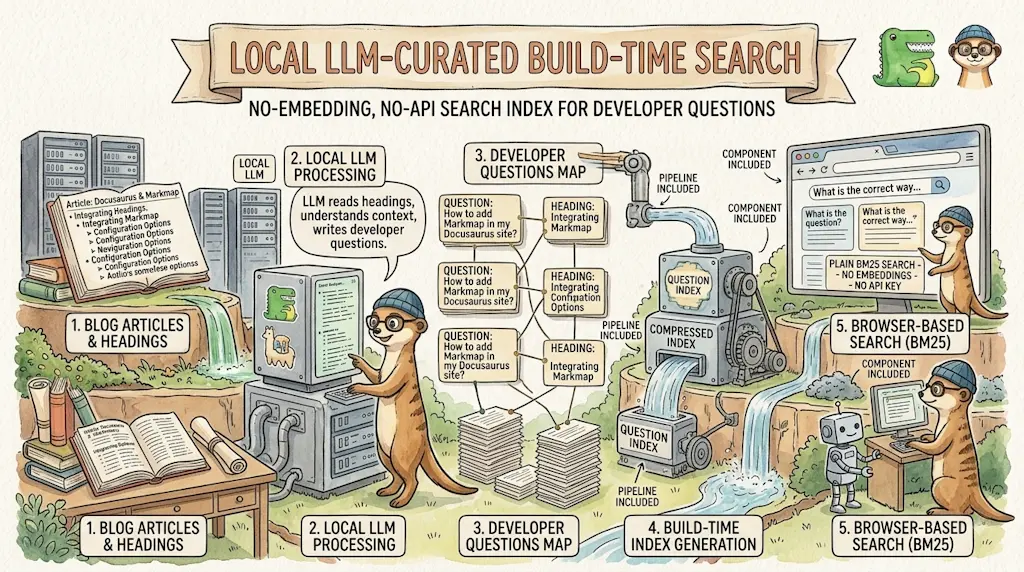
Ask My Blog: Turning 259 Articles Into 2,160 Searchable Questions
September 28, 2026