Overrides the generation of img tags with Docusaurus
Learn how to customize the rendering of <img> tags in Docusaurus for enhanced control over image output.

This article is over a year old but was reviewed on July 30, 2026 — the content is still accurate.
This article is part of the Creating Docusaurus components series:
- Change how Docusaurus will create img tags
- Overrides the generation of img tags with Docusaurus
- Organize Your Docusaurus Content with a Custom Series Component
- Providing a go to the top button in Docusaurus posts
- Creating a search&replace plugin for Docusaurus
- A component for showing code snippets in a Docusaurus blog
- A Docusaurus component that alerts readers the article is over a year old
- Showing the changelog of your post
- Inject ASCII Art in any HTML pages rendered by Docusaurus
- Best Practice - Customizing the Docusaurus RSS Feed for Full Content & Images
- Running some checks on your Docusaurus images
- Tags management in Docusaurus
- Automating TL;DR Summaries with Gemini AI
- Introducing the ProjectSetup Component - A Standardized Way to Share Project Structures
- How to indicate AI-assisted content in a Docusaurus blog
- Bring Your CLI Tutorials to Life with a Typewriter Terminal
- Meerkat Mischief: Sprinkling Easter Eggs Across my Blog
- AI-Powered Code Tooltips in Docusaurus — Explain Like I'm Five
- Adding Reader Reactions to Your Docusaurus Blog
- Your Blog Is Unreadable to an AI. Here Is the Fix.
- Shake Your Phone, Startle the Meerkat
- Add a "Copy as Markdown" Button to Your Docusaurus Blog
- Ask My Blog: Turning 259 Articles Into 2,160 Searchable Questions
- The Third Door: A Floating Chat Bubble, and the Feature Nobody Could Find
- Drawing a Map of My Own Blog
- Let Readers Flag Issues — A Multi-Type Feedback Widget for Docusaurus

This article provides a simple solution for enabling lazy loading for images in Docusaurus to improve performance. It explains how to intercept the default rendering of <img> tags by customizing the src/theme/MDXComponents.js file. By adding a simple mapping, you can force all images to be lazy-loaded and even apply custom styles, without needing to create a complex component or plugin.
While searching for good tips & tricks about Docusaurus when the number of articles become important, I read that we need to pay attention to lazy load images and, indeed, by default all images are loaded when a blog post is first accessed.
In this article, we'll see how easily we can intercept the creation of the <img> tag when the Markdown content is converted to HTML.
This conversion occurs at two places: when you're surfing on your website or when you're generating a static version of it.
To do this, in fact, we don't need to create a component! We just need to add some lines of code in the src/theme/MDXComponents.js file. If you need more than a couple of extra attributes — a wrapper div, custom CSS, a zoom effect — then a real component is the way to go; that's the subject of Change how Docusaurus will create img tags.
If you don't have that file yet, just create it.
Note
The // [...] notation is there as a placeholder to show you that perhaps you'll have already some lines of code there. Don't delete it; just append the highlighted lines as shown below.
import React from "react";
import MDXComponents from "@theme-original/MDXComponents";// [...]
export default { // Reusing the default mapping ...MDXComponents, // highlight-start img: (props) => { const { loading, decoding, className, style, height, width, ...rest } = props;
return ( <img {...rest} // Make sure to keep "height='auto'" (so also disable width) as generated by Docusaurus // We shouldn't display the image at full size height='auto' width='' loading={loading || 'lazy'} decoding={decoding || 'async'} className={`${className || ''}`}
// Example of how adding extra CSS style={{ border: '20px solid #ccc', borderRadius: '6px', ...style, }} /> ); }, // highlight-end // [...]};This code exports a custom configuration object for MDX components that overrides how images are rendered in Docusaurus documentation. It takes the default image component and wraps it with a custom version that adds lazy loading, async decoding, and some styling like borders and rounded corners by default, while still allowing those properties to be overridden.
Once added to your MDXComponents.js file, just return to the browser; open any post and refresh the page. You'll see that images have now the loading="lazy" attribute (you can verify using the dev tools panel of your browser). If like in the example given here above, you've added some CSS style; you'll see it immediately.
Easy no?
Now, how do you make sure it stays true across two hundred articles? By checking it automatically: see Running some checks on your Docusaurus images.
This article is part of the Creating Docusaurus components series:
- Change how Docusaurus will create img tags
- Overrides the generation of img tags with Docusaurus
- Organize Your Docusaurus Content with a Custom Series Component
- Providing a go to the top button in Docusaurus posts
- Creating a search&replace plugin for Docusaurus
- A component for showing code snippets in a Docusaurus blog
- A Docusaurus component that alerts readers the article is over a year old
- Showing the changelog of your post
- Inject ASCII Art in any HTML pages rendered by Docusaurus
- Best Practice - Customizing the Docusaurus RSS Feed for Full Content & Images
- Running some checks on your Docusaurus images
- Tags management in Docusaurus
- Automating TL;DR Summaries with Gemini AI
- Introducing the ProjectSetup Component - A Standardized Way to Share Project Structures
- How to indicate AI-assisted content in a Docusaurus blog
- Bring Your CLI Tutorials to Life with a Typewriter Terminal
- Meerkat Mischief: Sprinkling Easter Eggs Across my Blog
- AI-Powered Code Tooltips in Docusaurus — Explain Like I'm Five
- Adding Reader Reactions to Your Docusaurus Blog
- Your Blog Is Unreadable to an AI. Here Is the Fix.
- Shake Your Phone, Startle the Meerkat
- Add a "Copy as Markdown" Button to Your Docusaurus Blog
- Ask My Blog: Turning 259 Articles Into 2,160 Searchable Questions
- The Third Door: A Floating Chat Bubble, and the Feature Nobody Could Find
- Drawing a Map of My Own Blog
- Let Readers Flag Issues — A Multi-Type Feedback Widget for Docusaurus
Loading comments…
Related posts


Drawing a Map of My Own Blog
October 8, 2026
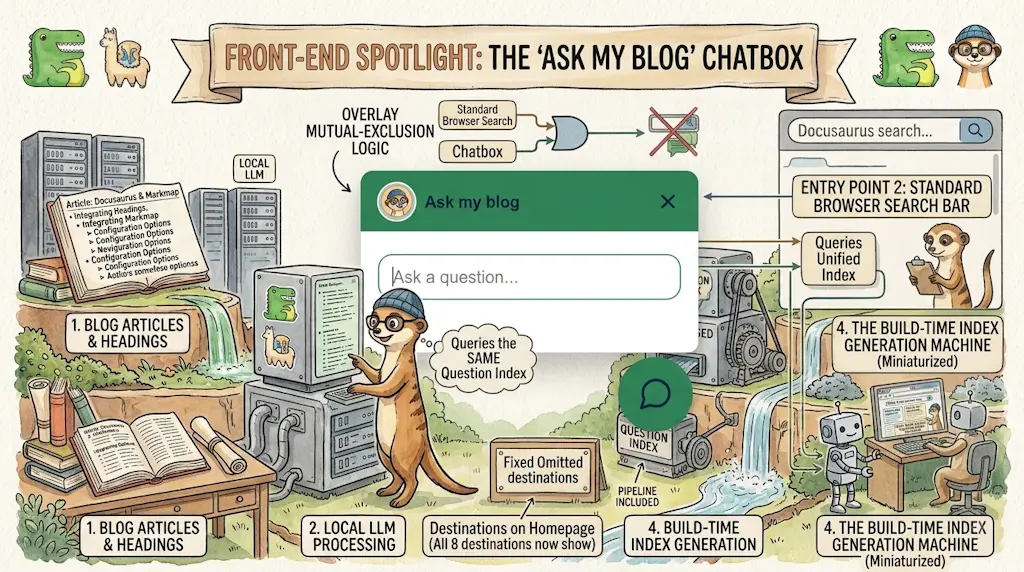

Ask My Blog: Turning 259 Articles Into 2,160 Searchable Questions
September 28, 2026

Add a "Copy as Markdown" Button to Your Docusaurus Blog
September 10, 2026
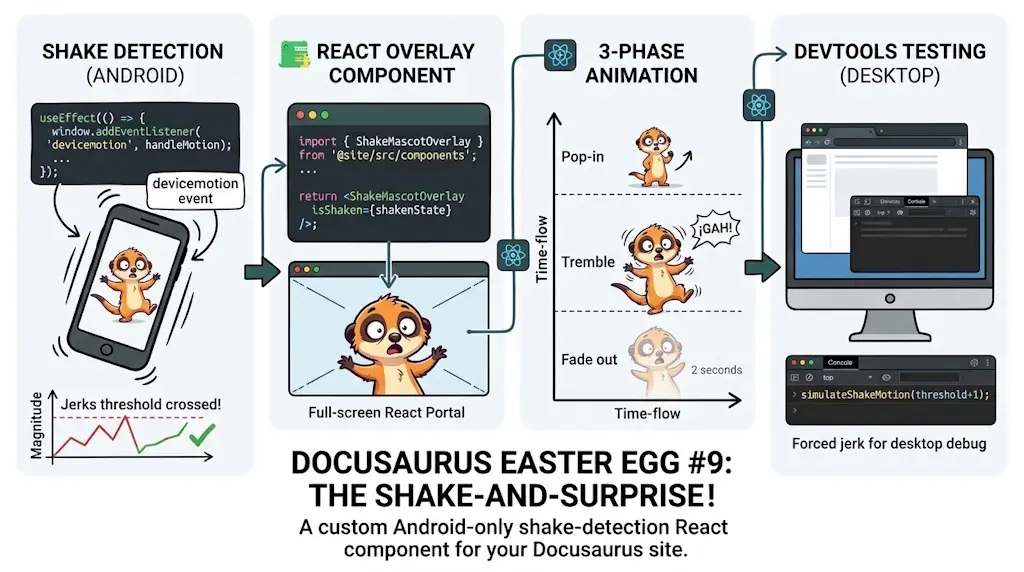
Shake Your Phone, Startle the Meerkat
August 27, 2026