Creating a search&replace plugin for Docusaurus
Automatically replace “markdown” with “Markdown” across all your content to keep your posts consistent.

This article is over a year old but was reviewed on July 30, 2026 — the content is still accurate.
This article is part of the Creating Docusaurus components series:
- Change how Docusaurus will create img tags
- Overrides the generation of img tags with Docusaurus
- Organize Your Docusaurus Content with a Custom Series Component
- Providing a go to the top button in Docusaurus posts
- Creating a search&replace plugin for Docusaurus
- A component for showing code snippets in a Docusaurus blog
- A Docusaurus component that alerts readers the article is over a year old
- Showing the changelog of your post
- Inject ASCII Art in any HTML pages rendered by Docusaurus
- Best Practice - Customizing the Docusaurus RSS Feed for Full Content & Images
- Running some checks on your Docusaurus images
- Tags management in Docusaurus
- Automating TL;DR Summaries with Gemini AI
- Introducing the ProjectSetup Component - A Standardized Way to Share Project Structures
- How to indicate AI-assisted content in a Docusaurus blog
- Bring Your CLI Tutorials to Life with a Typewriter Terminal
- Meerkat Mischief: Sprinkling Easter Eggs Across my Blog
- AI-Powered Code Tooltips in Docusaurus — Explain Like I'm Five
- Adding Reader Reactions to Your Docusaurus Blog
- Your Blog Is Unreadable to an AI. Here Is the Fix.
- Shake Your Phone, Startle the Meerkat
- Add a "Copy as Markdown" Button to Your Docusaurus Blog
- Ask My Blog: Turning 259 Articles Into 2,160 Searchable Questions
- The Third Door: A Floating Chat Bubble, and the Feature Nobody Could Find
- Drawing a Map of My Own Blog
- Let Readers Flag Issues — A Multi-Type Feedback Widget for Docusaurus
This article demonstrates how to create a custom Docusaurus remark plugin for automatically finding and replacing specific terms across your entire site. The goal is to ensure consistent terminology (e.g., changing 'VSCode' to 'VSCode') without modifying the original Markdown files. You'll learn how to write a plugin that traverses the content's abstract syntax tree (AST) to safely apply replacements only to plain text, avoiding code blocks and URLs. The guide also shows how to configure the plugin in your docusaurus.config.js.
For fun (because that solution is perhaps not bullet proof), I asked an AI to generate a plugin to scan my 200 articles and replace patterns like docusaurus by Docusaurus, github by GitHub, vscode by VSCode, to normalize them across all my content.
It can be risky because if the word vscode appears in:
- a URL (like
https://github.com/microsoft/vscode/), - a name (like
vstirbu.vscode-mermaid-preview), - as a file name (like
vscode.png), - a code snippet (inside a
```...```or`.`block), - ...
we certainly do not want to make the replacement.
But, if the word is inside a simple paragraph, that's a different story — we do want the replacement there.
So, after a few prompts with the AI, a plugin has been generated and it works so far.
Restart your Docusaurus server once the plugin is in place and, on the next start, if some changes have to be made, you'll see them in your console:
🔎 Replacing 'vscode' with 'VSCode' in file: /opt/[...]/index.md
Sentence: One of the best features in vscode is the

🔎 Replacing 'vscode' with 'VSCode' in file: /opt/[...]/index.md
Sentence: With vscode, it's ultra-simple: multiple cursors.
Silent, safe, and it never touches your original Markdown files — only the rendered HTML. Let's build it.
The plugin
Please create the plugins/remark-replace-terms/index.cjs file and look at the replacements array. Please add yours.
This is a remark plugin: it walks the Markdown AST before the HTML is produced. I've used the same mechanism to replace every <img> tag with my own component and to inject AI-generated tooltips into code snippets.
The syntax is [/\b(1)\b/g, "(2)"], where (1) is the word to search for (exactly written as is (case sensitive)) and (2) the replaced by value.
/** * @fileoverview * Docusaurus Remark Plugin – remark-replace-words * * This plugin is designed for use with Docusaurus to automatically correct the casing * of common technology terms in Markdown content. It scans Markdown AST text nodes and * replaces lowercase variants like "github" or "markdown" with their properly capitalized * forms ("GitHub", "Markdown", etc.). * * ⚠️ Replacements are skipped inside links, images, and code blocks to avoid unintended changes. * 🧠 Compound words (e.g., "vscode-docker") are also preserved. * * Intended for use in the Docusaurus Markdown pipeline via `remarkPlugins`. * * @module remarkReplaceWords * @returns {Function} A remark transformer function */
const { visit } = require("unist-util-visit");
// Define replacements as [searchRegex, replacement]const replacements = [ [/\bdocusaurus\b/g, "Docusaurus"], [/\bgithub\b/g, "GitHub"], [/\bmarkdown\b/g, "Markdown"], [/\bvscode\b/g, "VSCode"],];
// A heading's explicit anchor id — `## Docusaurus {#docusaurus}` — is still ordinary text when// this plugin runs: it sits in `beforeDefaultRemarkPlugins`, so Docusaurus parses that `{#id}`// suffix only afterwards. Capitalizing a term inside it rewrites the id itself (`{#Docusaurus}`),// and every link built from the English slug then points at an anchor the page no longer has —// which is exactly how the `fr` build died on "broken anchors". Ids are never prose: skip them.// Translated articles carry one on every heading (see scripts/lib/translate-anchors.mjs).const EXPLICIT_HEADING_ID = /\{#[^}\s]*\}/g;
/** Applies `transform` to `value`, leaving every explicit `{#heading-id}` untouched. */function outsideHeadingIds(value, transform) { const parts = []; let cursor = 0;
for (const match of value.matchAll(EXPLICIT_HEADING_ID)) { parts.push(transform(value.slice(cursor, match.index)), match[0]); cursor = match.index + match[0].length; } parts.push(transform(value.slice(cursor)));
return parts.join("");}
function remarkReplaceWords() { return (tree) => { visit(tree, "text", (node, index, parent) => { if (typeof node.value !== "string") return;
// Skip inside certain node types (URLs, code, etc.) const forbiddenParents = ["link", "image", "inlineCode", "code"]; if (parent && forbiddenParents.includes(parent.type)) { return; }
node.value = outsideHeadingIds(node.value, (text) => { let result = text;
for (const [regex, replacement] of replacements) { result = result.replace(regex, (match, offset, fullString) => { const before = fullString[offset - 1] || ""; const after = fullString[offset + match.length] || "";
// Skip compound words like "vscode-docker", "foo.markdown" if (["-", ".", "/"].includes(before) || ["-", ".", "/"].includes(after)) { return match; }
return replacement; }); }
return result; }); }); };}
module.exports = remarkReplaceWords;This is a Docusaurus plugin that fixes the capitalization of common tech terms like 'github' → 'GitHub' and 'markdown' → 'Markdown' in Markdown documents. It carefully avoids making changes inside links, code blocks, images, heading IDs, and compound words connected by hyphens or dots, so it doesn't break links or code.
Adding the plugin in your configuration
The next thing to do is to register your plugin into your Docusaurus configuration. To do this, edit your docusaurus.config.js file and add the highlighted lines as illustrated below.
// highlight-next-lineimport remarkReplaceWords from "./plugins/remark-replace-terms";
const config = { // [ ... ] presets: [ [ 'classic', ({ // [ ... ] blog: { beforeDefaultRemarkPlugins: [ // [ ... ] // highlight-next-line remarkReplaceWords ], }, // [ ... ] }), ], ],};
export default config;This code sets up a Docusaurus configuration that imports a custom plugin called remarkReplaceWords and registers it to run before the default remark plugins when processing blog content. The plugin will transform the markdown text according to whatever word-replacement rules it defines.
This done, restart your Docusaurus server and you'll get the same console output already shown at the top of this article.
Caution
The search&replace action won't be done on your original Markdown files but only during the HTML rendering. It's thus safe to run this plugin; your files won't be impacted at all.
This article is part of the Creating Docusaurus components series:
- Change how Docusaurus will create img tags
- Overrides the generation of img tags with Docusaurus
- Organize Your Docusaurus Content with a Custom Series Component
- Providing a go to the top button in Docusaurus posts
- Creating a search&replace plugin for Docusaurus
- A component for showing code snippets in a Docusaurus blog
- A Docusaurus component that alerts readers the article is over a year old
- Showing the changelog of your post
- Inject ASCII Art in any HTML pages rendered by Docusaurus
- Best Practice - Customizing the Docusaurus RSS Feed for Full Content & Images
- Running some checks on your Docusaurus images
- Tags management in Docusaurus
- Automating TL;DR Summaries with Gemini AI
- Introducing the ProjectSetup Component - A Standardized Way to Share Project Structures
- How to indicate AI-assisted content in a Docusaurus blog
- Bring Your CLI Tutorials to Life with a Typewriter Terminal
- Meerkat Mischief: Sprinkling Easter Eggs Across my Blog
- AI-Powered Code Tooltips in Docusaurus — Explain Like I'm Five
- Adding Reader Reactions to Your Docusaurus Blog
- Your Blog Is Unreadable to an AI. Here Is the Fix.
- Shake Your Phone, Startle the Meerkat
- Add a "Copy as Markdown" Button to Your Docusaurus Blog
- Ask My Blog: Turning 259 Articles Into 2,160 Searchable Questions
- The Third Door: A Floating Chat Bubble, and the Feature Nobody Could Find
- Drawing a Map of My Own Blog
- Let Readers Flag Issues — A Multi-Type Feedback Widget for Docusaurus
Loading comments…
Related posts
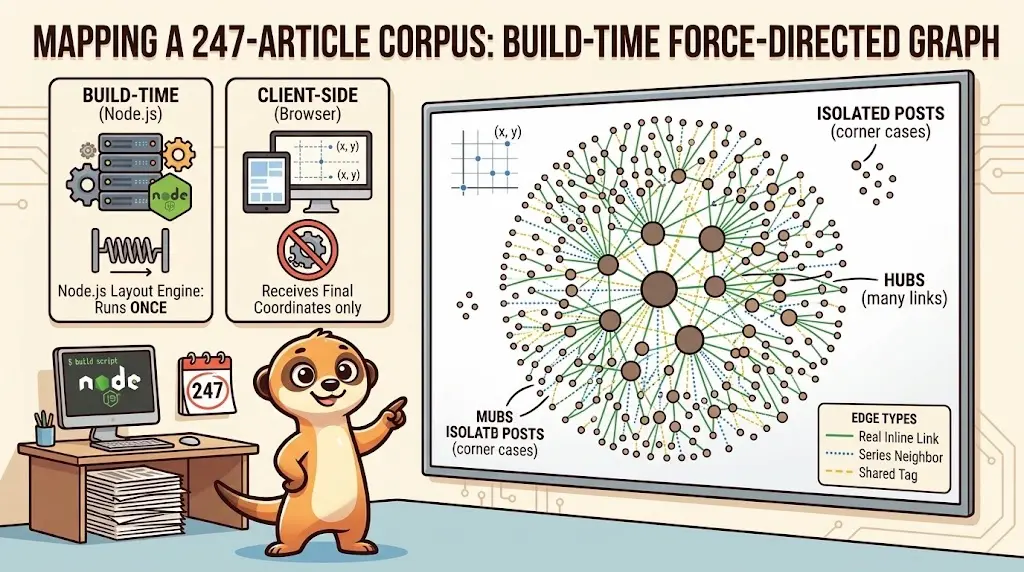
Drawing a Map of My Own Blog
October 8, 2026
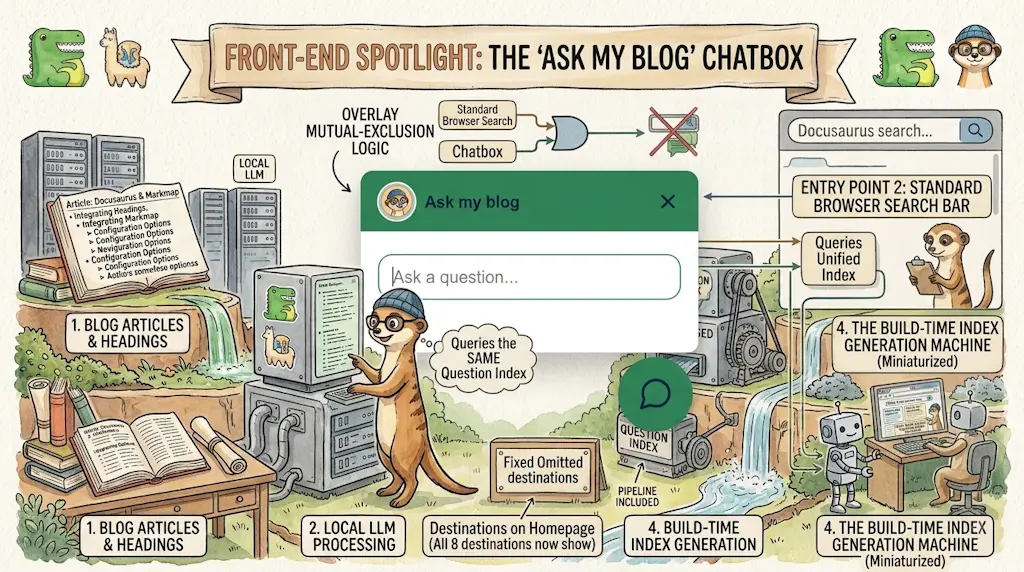
Ask My Blog: Turning 259 Articles Into 2,160 Searchable Questions
September 28, 2026
Add a "Copy as Markdown" Button to Your Docusaurus Blog
September 10, 2026
Shake Your Phone, Startle the Meerkat
August 27, 2026