Introducing the ProjectSetup Component - A Standardized Way to Share Project Structures
Learn how to use the new ProjectSetup component to easily share project structures in your Docusaurus blog posts, complete with interactive file snippets and automated setup scripts.


This article is part of the Creating Docusaurus components series:
- Change how Docusaurus will create img tags
- Overrides the generation of img tags with Docusaurus
- Organize Your Docusaurus Content with a Custom Series Component
- Providing a go to the top button in Docusaurus posts
- Creating a search&replace plugin for Docusaurus
- A component for showing code snippets in a Docusaurus blog
- A Docusaurus component that alerts readers the article is over a year old
- Showing the changelog of your post
- Inject ASCII Art in any HTML pages rendered by Docusaurus
- Best Practice - Customizing the Docusaurus RSS Feed for Full Content & Images
- Running some checks on your Docusaurus images
- Tags management in Docusaurus
- Automating TL;DR Summaries with Gemini AI
- Introducing the ProjectSetup Component - A Standardized Way to Share Project Structures
- How to indicate AI-assisted content in a Docusaurus blog
- Bring Your CLI Tutorials to Life with a Typewriter Terminal
- Meerkat Mischief: Sprinkling Easter Eggs Across my Blog
- AI-Powered Code Tooltips in Docusaurus — Explain Like I'm Five
- Adding Reader Reactions to Your Docusaurus Blog
- Your Blog Is Unreadable to an AI. Here Is the Fix.
- Shake Your Phone, Startle the Meerkat
- Add a "Copy as Markdown" Button to Your Docusaurus Blog
- Ask My Blog: Turning 259 Articles Into 2,160 Searchable Questions
- The Third Door: A Floating Chat Bubble, and the Feature Nobody Could Find
- Drawing a Map of My Own Blog
- Let Readers Flag Issues — A Multi-Type Feedback Widget for Docusaurus
The ProjectSetup component is a new tool for Docusaurus that allows you to share project structures in a standardized and interactive way. It displays file structures with collapsible snippets, generates setup scripts, and offers ZIP downloads, making it easier for readers to replicate projects from your blog posts.
In my blog, I often share components that I have created for Docusaurus. To enable readers to easily reproduce these projects, I was looking for an interactive and standardized way to share file trees. This led me to create the ProjectSetup component.
It allows you to display the structure of a project in a clear and interactive way, with code snippets for each file. But its real power, its "killer feature" is this: with a single click on the “Generate install script” button, you get a shell command. Copy it, paste it into your Linux terminal, run it, and... that's it. The entire project tree, including folders and files, is created for you.
For those who prefer, the component also offers the option to download the project as a ZIP file. In this article, I'll show you how it works and how you can integrate it to effectively share your own projects.
Seeing It Work
The best way to show you how to use ProjectSetup is to use the component itself. Here is how you can install the LogoIcon component in your own Docusaurus project.
Need help here? Click the "Help" button above for setup instructions.
At this stage, you can think, oh damned, it can be tedious to write the HTML code behind this nice 📦 Project setup: src/components/Blog/LogoIcon box here above. In fact, not at all. All the rendering is handled by the ProjectSetup component itself. Here below the Markdown code I've written in my Docusaurus article:
<ProjectSetup folderName="src/components/Blog/LogoIcon">
  <Guideline>
    Install the dependency: `npm install @iconify/react`
  </Guideline>
  <Snippet filename="src/components/Blog/LogoIcon/index.tsx" source="src/components/Blog/LogoIcon/index.tsx" />
</ProjectSetup>
Always up-to-date
And you know what? The Snippet component used here is smart enough to read the file structure and content of the src/components/Blog/LogoIcon/index.tsx file, and to render it in this nice interactive way. You just have to write the Markdown code above, and the component does the rest. Your documentation is always up-to-date with the actual file content, and you don't have to worry about formatting or styling. You just write the Markdown code, and the component takes care of the rest.
What is ProjectSetup?
ProjectSetup is a React component that allows you to display a project's file structure in a clean, interactive, and standardized way. It not only shows the files and their content but also provides tools to scaffold the project with a single command or download it as a ZIP file.
This post illustrates how to use the ProjectSetup component to share project structures in your Docusaurus blog posts, making it easier for your readers to replicate and learn from your projects.
Core Features
- Interactive File Viewing: It displays files in collapsible snippets, with syntax highlighting.
- Shell Script Generation: It automatically generates a bash script to create the entire folder and file structure.
- ZIP Download: It allows users to download the complete project as a ZIP archive.
- Post-installation Guidelines: You can add instructions to be displayed after the setup.
Dependencies
The ProjectSetup component relies on two other components:
LogoIcon: A simple component that renders an icon based on the file type, making the UI more intuitive. It uses the popular@iconify/reactlibrary. Logo Icon has been created by Docux, please check out his work: Component LogoIcon.
Snippet: This component is responsible for displaying individual files. It's a collapsible container that shows the filename, a relevant icon, and the code within. Read my previous article on this subject: A component for showing code snippets in a Docusaurus blog
Installing the Rest
Here is how to install the remaining Snippet and ProjectSetup components in your own Docusaurus project.
1. Installing Snippet
Now, let's set up the Snippet component. It has more dependencies.
Need help here? Click the "Help" button above for setup instructions.
2. Installing ProjectSetup
Finally, here's how to install the ProjectSetup component itself.
Need help here? Click the "Help" button above for setup instructions.
3. The project_setup help page
In the ProjectSetup component, there is a help page that provides instructions on how to use the component. You can customize this page by editing the src/pages/project_setup.mdx file. Here is mine:
Conclusion
The ProjectSetup component is a powerful tool for sharing project structures in your Docusaurus blog posts. It provides an interactive way for readers to explore the file structure, generates setup scripts, and offers ZIP downloads, making it easier for them to replicate your projects. By using this component, you can enhance the learning experience for your readers and encourage them to engage more deeply with your content.
This article is part of the Creating Docusaurus components series:
- Change how Docusaurus will create img tags
- Overrides the generation of img tags with Docusaurus
- Organize Your Docusaurus Content with a Custom Series Component
- Providing a go to the top button in Docusaurus posts
- Creating a search&replace plugin for Docusaurus
- A component for showing code snippets in a Docusaurus blog
- A Docusaurus component that alerts readers the article is over a year old
- Showing the changelog of your post
- Inject ASCII Art in any HTML pages rendered by Docusaurus
- Best Practice - Customizing the Docusaurus RSS Feed for Full Content & Images
- Running some checks on your Docusaurus images
- Tags management in Docusaurus
- Automating TL;DR Summaries with Gemini AI
- Introducing the ProjectSetup Component - A Standardized Way to Share Project Structures
- How to indicate AI-assisted content in a Docusaurus blog
- Bring Your CLI Tutorials to Life with a Typewriter Terminal
- Meerkat Mischief: Sprinkling Easter Eggs Across my Blog
- AI-Powered Code Tooltips in Docusaurus — Explain Like I'm Five
- Adding Reader Reactions to Your Docusaurus Blog
- Your Blog Is Unreadable to an AI. Here Is the Fix.
- Shake Your Phone, Startle the Meerkat
- Add a "Copy as Markdown" Button to Your Docusaurus Blog
- Ask My Blog: Turning 259 Articles Into 2,160 Searchable Questions
- The Third Door: A Floating Chat Bubble, and the Feature Nobody Could Find
- Drawing a Map of My Own Blog
- Let Readers Flag Issues — A Multi-Type Feedback Widget for Docusaurus
Loading comments…
Related posts

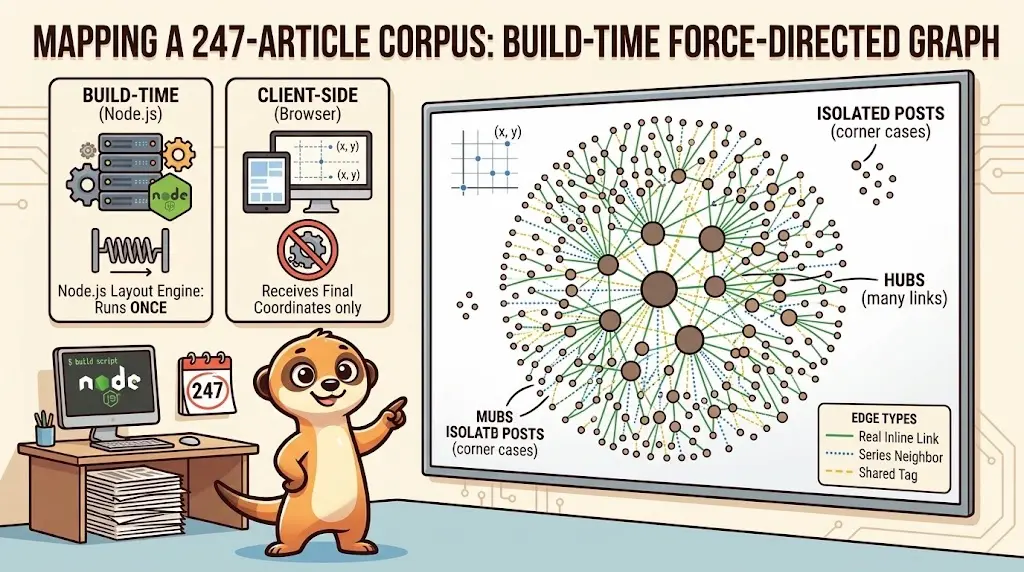
Drawing a Map of My Own Blog
October 8, 2026
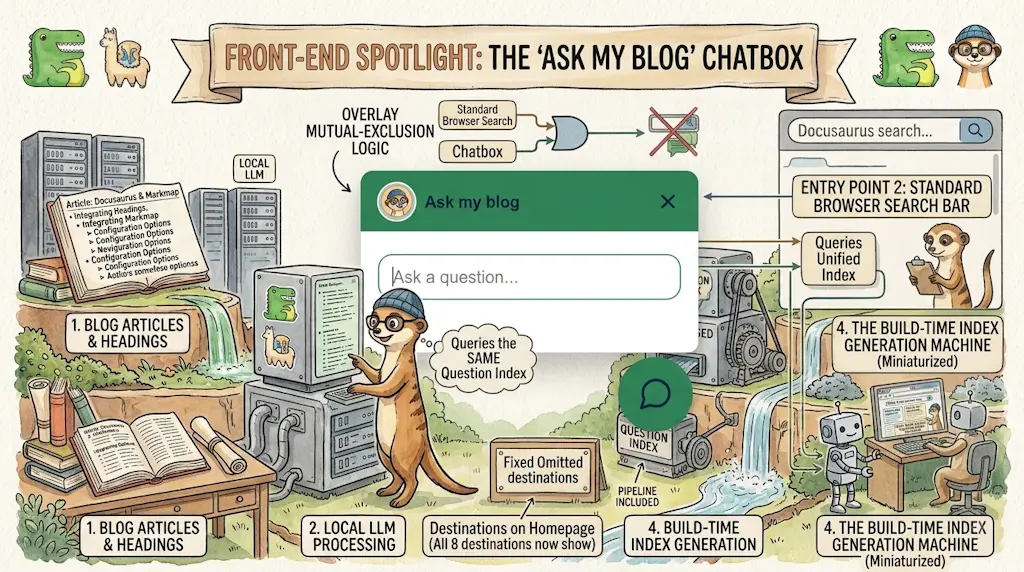
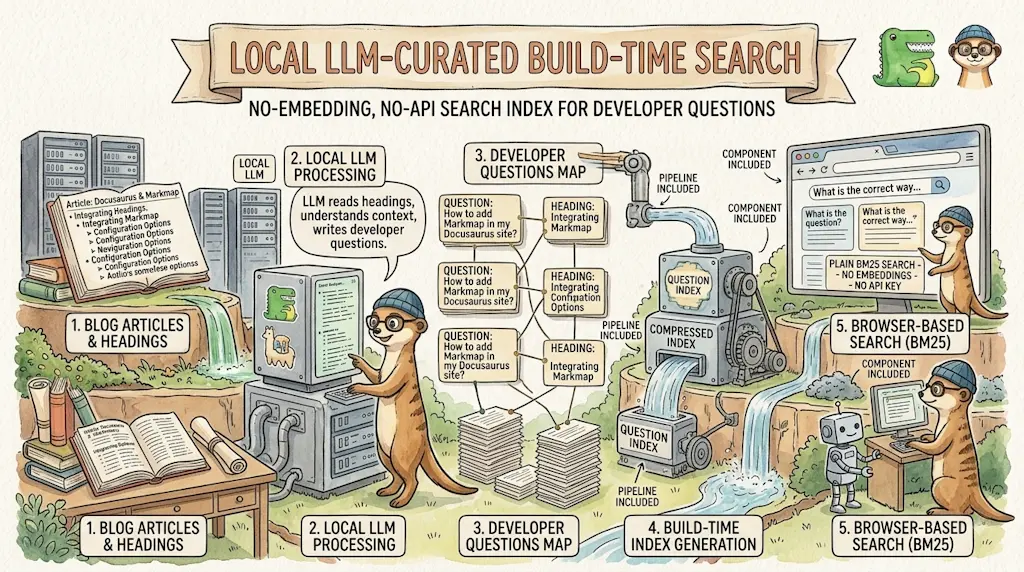
Ask My Blog: Turning 259 Articles Into 2,160 Searchable Questions
September 28, 2026
Add a "Copy as Markdown" Button to Your Docusaurus Blog
September 10, 2026
Shake Your Phone, Startle the Meerkat
August 27, 2026