Tags management in Docusaurus
Automate Docusaurus tag management with this Python script. Clean up duplicates, fix casing, and merge tags safely across hundreds of Markdown files via Docker.

This article is part of the Creating Docusaurus components series:
- Change how Docusaurus will create img tags
- Overrides the generation of img tags with Docusaurus
- Organize Your Docusaurus Content with a Custom Series Component
- Providing a go to the top button in Docusaurus posts
- Creating a search&replace plugin for Docusaurus
- A component for showing code snippets in a Docusaurus blog
- A Docusaurus component that alerts readers the article is over a year old
- Showing the changelog of your post
- Inject ASCII Art in any HTML pages rendered by Docusaurus
- Best Practice - Customizing the Docusaurus RSS Feed for Full Content & Images
- Running some checks on your Docusaurus images
- Tags management in Docusaurus
- Automating TL;DR Summaries with Gemini AI
- Introducing the ProjectSetup Component - A Standardized Way to Share Project Structures
- How to indicate AI-assisted content in a Docusaurus blog
- Bring Your CLI Tutorials to Life with a Typewriter Terminal
- Meerkat Mischief: Sprinkling Easter Eggs Across my Blog
- AI-Powered Code Tooltips in Docusaurus — Explain Like I'm Five
- Adding Reader Reactions to Your Docusaurus Blog
- Your Blog Is Unreadable to an AI. Here Is the Fix.
- Shake Your Phone, Startle the Meerkat
- Add a "Copy as Markdown" Button to Your Docusaurus Blog
- Ask My Blog: Turning 259 Articles Into 2,160 Searchable Questions
- The Third Door: A Floating Chat Bubble, and the Feature Nobody Could Find
- Drawing a Map of My Own Blog
- Let Readers Flag Issues — A Multi-Type Feedback Widget for Docusaurus

This article introduces a custom Python script designed to automate the cleanup and management of inconsistent tags within a Docusaurus blog. The tool runs in a Docker container to list, rename, and delete tags while providing smart suggestions for merging duplicates or fixing case variations. It also discusses using Docusaurus's native configuration options to enforce stricter tag usage policies moving forward.
More than 200 blog posts later, my Docusaurus site has accumulated a bit of tag chaos. Too many similar tags, inconsistent capitalization, singular vs plural forms... Tags with just one or two posts. And so on.
In this post, I'll share a Python script I wrote to automate tag management like removing some tags, merging others, and cleaning up inconsistencies.
It's quite impossible to do by hand when you have hundreds of Markdown files. Plus, doing it manually risks breaking the YAML frontmatter formatting.
Seeing the Suggestions
One command lists every tag and flags the likely duplicates:
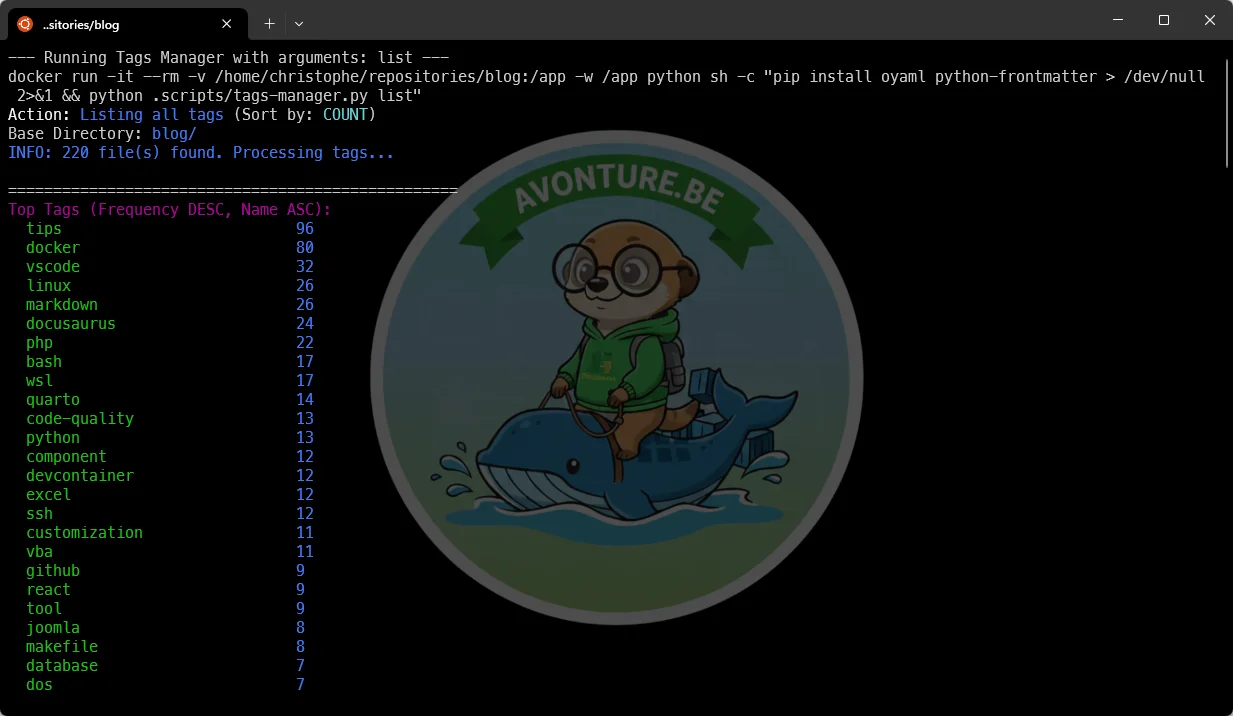
The Solution: A Smart Tag Manager
I wanted a tool that could do three things:
- List all tags by frequency.
- Suggest optimizations (finding duplicates or singular/plural variations).
- Rename or Delete tags safely.
Smart Suggestions
The coolest part of the script is the "Optimization Suggestions". It compares every tag against every other tag to find potential duplicates.
It looks for:
- Case variations:
GitHubvsgithub. - Plurals:
snippetvssnippets. - Substrings:
visual studio codevsvscode.
This helps me spot the mess I didn't even know I had.
How to Run It (Docker-First)
As always, I don't want to pollute my host machine with Python dependencies. I run this script using Docker — exactly like the image checker described in Running some checks on your Docusaurus images.
I have a Makefile target set up, but essentially, it runs a command like this:
But, for sure, that command is quite complex to remember, so I use a Makefile target instead:
The Script
Here is the full Python script. It uses argparse to handle command-line arguments and python-frontmatter to parse the files.
More Examples
Renaming a tag:
If, by looking at the list of tags, I see I have a snippets tag and a snippet one, I'll merge them like this:
Deleting a tag:
I can also find that a specific tag doesn't add any value so, to remove it, I'll run something like this:
Bonus - The tags.yml file
Natively, Docusaurus allows you to create a special file called blog/tags.yml.
Here is the one I'm using:
With such file, you can then configure your docusaurus.config.js file and set the onInlineTags attribute to warn or throw.
Need more info, read the Tags File official documentation.
Conclusion
Keeping a blog organized is a continuous process. With this script, I can quickly audit my tags and ensure that Docusaurus doesn't become docusaurus or DocuSaurus over time.
Feel free to grab the script and adapt it to your own static site generator!
This article is part of the Creating Docusaurus components series:
- Change how Docusaurus will create img tags
- Overrides the generation of img tags with Docusaurus
- Organize Your Docusaurus Content with a Custom Series Component
- Providing a go to the top button in Docusaurus posts
- Creating a search&replace plugin for Docusaurus
- A component for showing code snippets in a Docusaurus blog
- A Docusaurus component that alerts readers the article is over a year old
- Showing the changelog of your post
- Inject ASCII Art in any HTML pages rendered by Docusaurus
- Best Practice - Customizing the Docusaurus RSS Feed for Full Content & Images
- Running some checks on your Docusaurus images
- Tags management in Docusaurus
- Automating TL;DR Summaries with Gemini AI
- Introducing the ProjectSetup Component - A Standardized Way to Share Project Structures
- How to indicate AI-assisted content in a Docusaurus blog
- Bring Your CLI Tutorials to Life with a Typewriter Terminal
- Meerkat Mischief: Sprinkling Easter Eggs Across my Blog
- AI-Powered Code Tooltips in Docusaurus — Explain Like I'm Five
- Adding Reader Reactions to Your Docusaurus Blog
- Your Blog Is Unreadable to an AI. Here Is the Fix.
- Shake Your Phone, Startle the Meerkat
- Add a "Copy as Markdown" Button to Your Docusaurus Blog
- Ask My Blog: Turning 259 Articles Into 2,160 Searchable Questions
- The Third Door: A Floating Chat Bubble, and the Feature Nobody Could Find
- Drawing a Map of My Own Blog
- Let Readers Flag Issues — A Multi-Type Feedback Widget for Docusaurus
Loading comments…
Related posts

Preview Your Local Docusaurus Site on Your Phone
November 16, 2026


Drawing a Map of My Own Blog
October 8, 2026
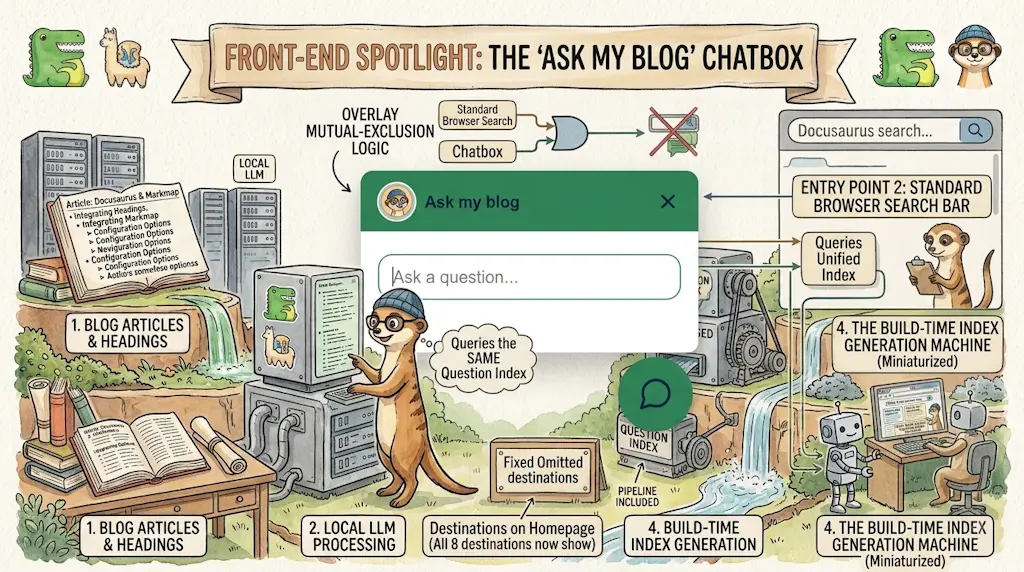
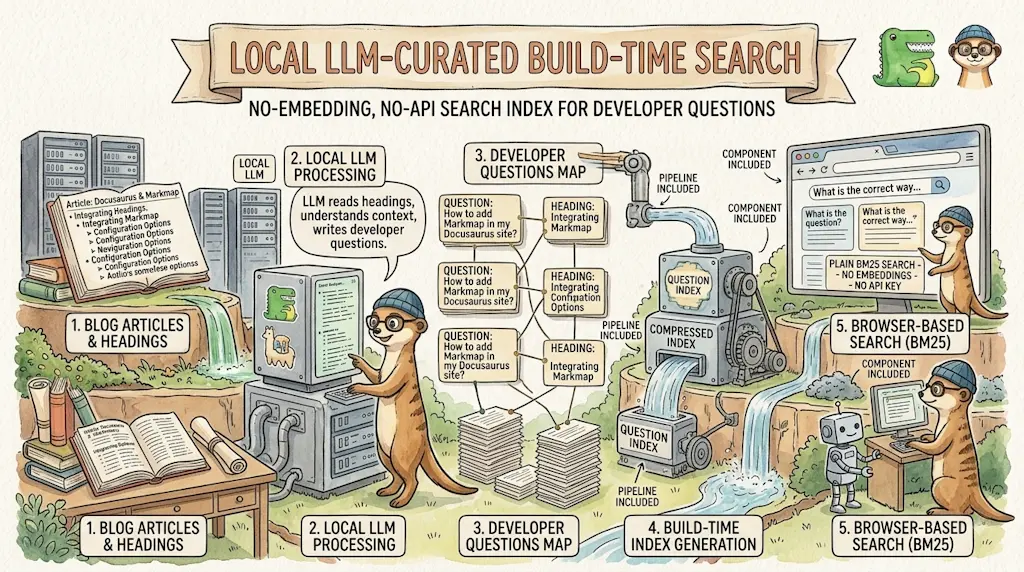
Ask My Blog: Turning 259 Articles Into 2,160 Searchable Questions
September 28, 2026
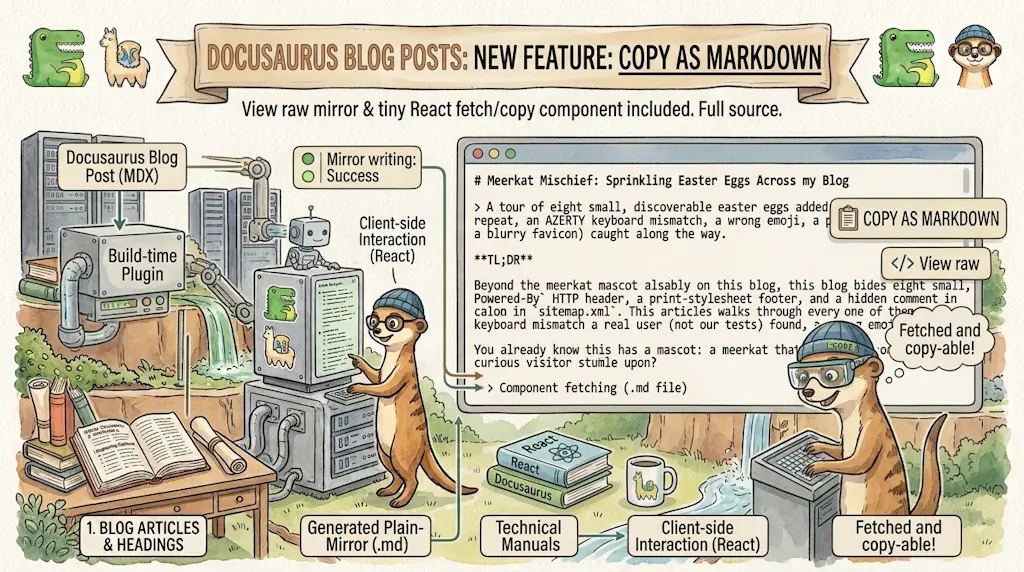
Add a "Copy as Markdown" Button to Your Docusaurus Blog
September 10, 2026