Automating TL;DR Summaries with Gemini AI
Improve your reader's experience by automatically generating concise TL;DR summaries for your blog posts using Google's Gemini AI and Python.

This article is part of the Creating Docusaurus components series:
- Change how Docusaurus will create img tags
- Overrides the generation of img tags with Docusaurus
- Organize Your Docusaurus Content with a Custom Series Component
- Providing a go to the top button in Docusaurus posts
- Creating a search&replace plugin for Docusaurus
- A component for showing code snippets in a Docusaurus blog
- A Docusaurus component that alerts readers the article is over a year old
- Showing the changelog of your post
- Inject ASCII Art in any HTML pages rendered by Docusaurus
- Best Practice - Customizing the Docusaurus RSS Feed for Full Content & Images
- Running some checks on your Docusaurus images
- Tags management in Docusaurus
- Automating TL;DR Summaries with Gemini AI
- Introducing the ProjectSetup Component - A Standardized Way to Share Project Structures
- How to indicate AI-assisted content in a Docusaurus blog
- Bring Your CLI Tutorials to Life with a Typewriter Terminal
- Meerkat Mischief: Sprinkling Easter Eggs Across my Blog
- AI-Powered Code Tooltips in Docusaurus — Explain Like I'm Five
- Adding Reader Reactions to Your Docusaurus Blog
- Your Blog Is Unreadable to an AI. Here Is the Fix.
- Shake Your Phone, Startle the Meerkat
- Add a "Copy as Markdown" Button to Your Docusaurus Blog
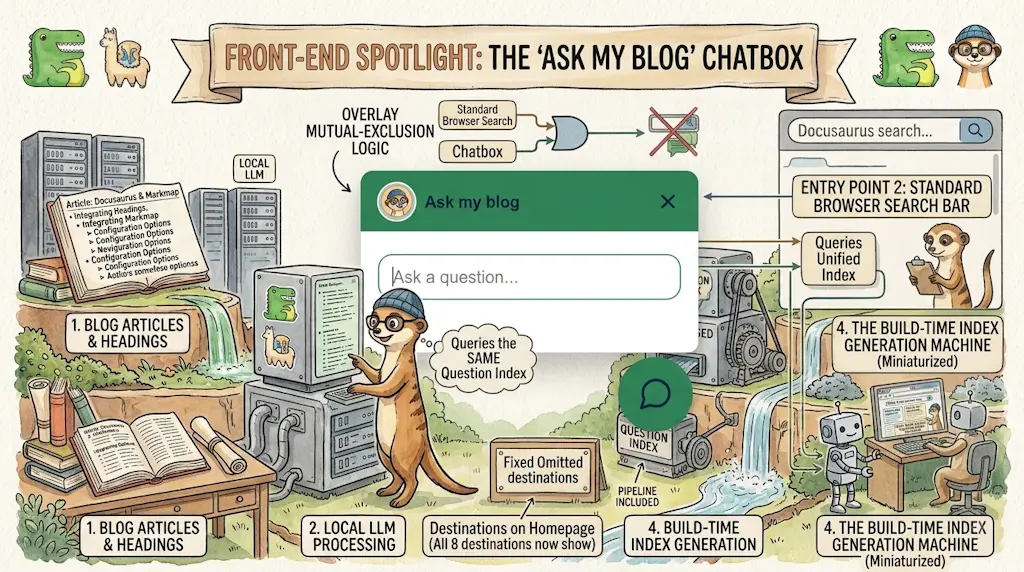
- Ask My Blog: Turning 259 Articles Into 2,160 Searchable Questions
- The Third Door: A Floating Chat Bubble, and the Feature Nobody Could Find
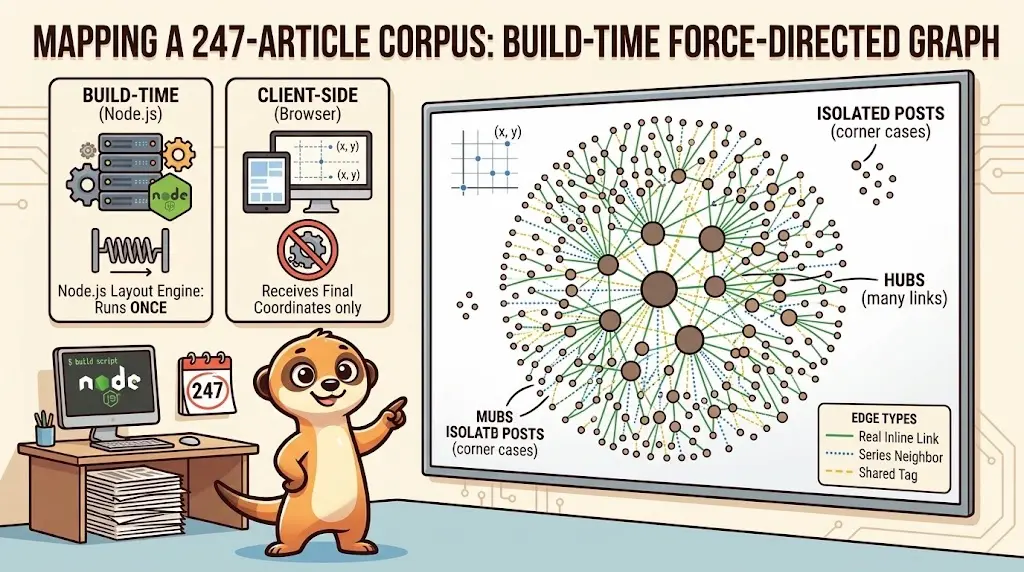
- Drawing a Map of My Own Blog
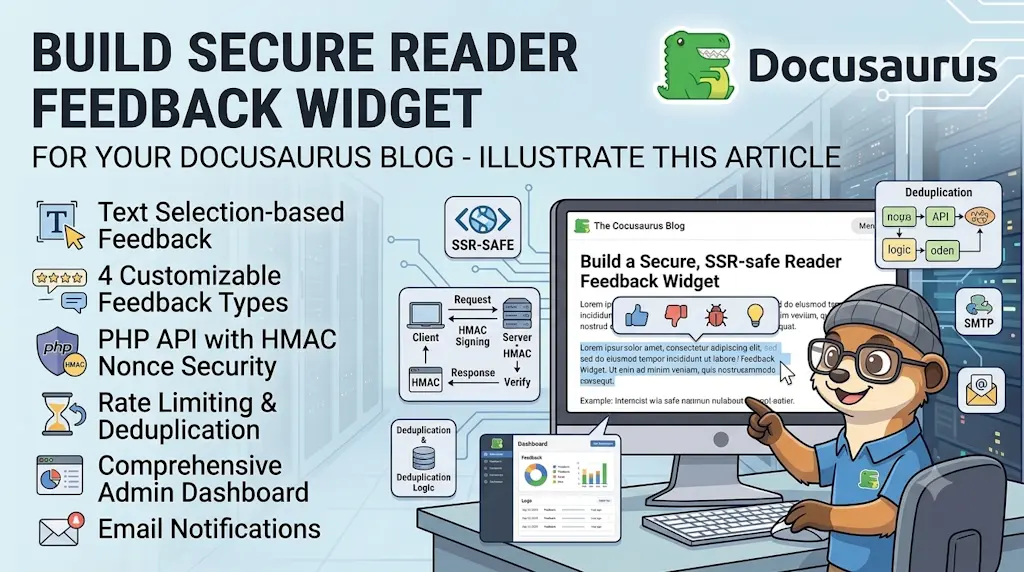
- Let Readers Flag Issues — A Multi-Type Feedback Widget for Docusaurus
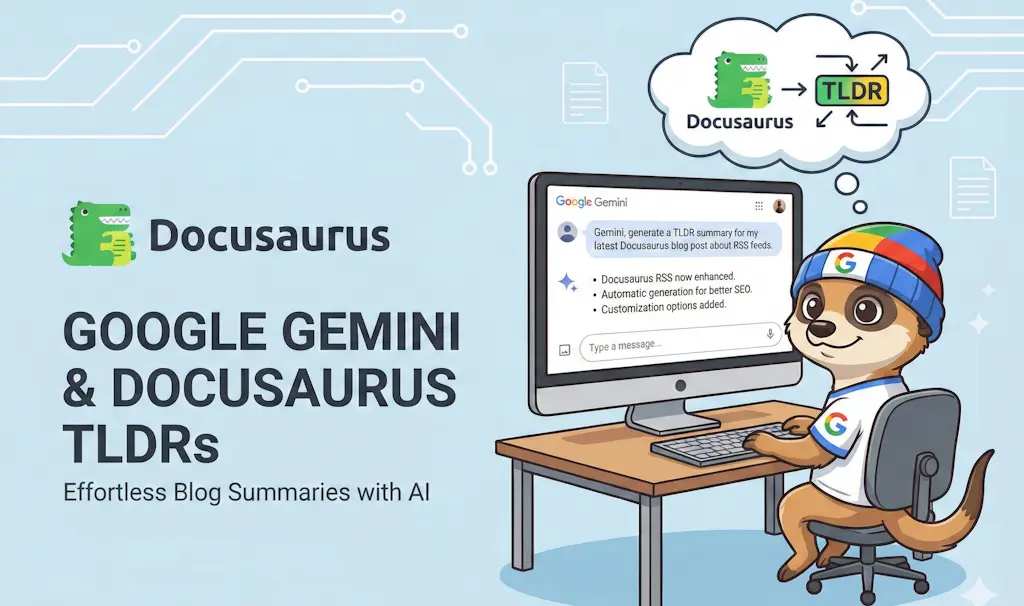
Writing summaries for long blog posts improves user experience but can be time-consuming. This article explains how to automate the generation of "Too Long; Didn't Read" (TL;DR) sections using a Python script and Google's Gemini AI. We'll cover the Docker setup, the script usage, and how to integrate it into your Docusaurus workflow.
As a technical blogger, I was searching for a way to enhance my readers' experience by providing concise summaries at the beginning of my articles — so they don't waste time (I hope!) reading a full article only to think, "Wait, that's not what I was looking for."
So, I decided to automate the generation of TL;DR summaries using Google's Gemini AI and a simple Python script. In this article, I'll explain how I did it.
This is not my only use of Gemini on this blog: read How I used Google Gemini Nano Banana on my blog for the illustrations side of the story.
Before and After
The script takes an entire article — every paragraph, every heading — and reduces it to a few sentences. Here's a real example, taken straight from the Lovable.dev article on this blog.
Before — the opening paragraphs the script actually reads:
This week, a colleague told me about Lovable.dev, saying: "In a prompt, you just have to describe the program you want to generate, and the tool will build it and even deploy it for you". Wow, I definitely needed to try it.
But what should I ask for? What if I asked it to create a clone of Marknotes? Those who have been following me for years know that I created Marknotes, a note-taking application, 10 years ago. I worked on it for five years before moving on.
Let's see if Lovable.dev can build the same thing in just one hour. Spoiler: it didn't, but it wasn't too bad.
After — the <TLDR> the script generated and injected at the top of that same article:

Same information density readers actually need, in a fraction of the reading time.
The Concept
The idea is simple: I need some script that will scan my blog post (one or more) and generate a short summary using Gemini AI. Then, it should insert that summary into the blog post, wrapped in a custom <TLDR> component for easy styling and visibility.
The script will do the following:
- Get a path as input (file or folder).
- Read the Markdown files.
- Send the content to Gemini AI for summarization.
- Receive the summary.
- Inject the summary back in the Markdown file.
My folder structure looks like this: blog/YYYY/MM/DD/index.md for each blog post. So by calling the script with blog/2026/01/, it will process all posts from January 2026.
The React Component
First, we need a way to display the summary nicely in Docusaurus. I use a simple custom component for this. Here is the implementation:
<TLDR> This is the summary of the article... </TLDR>
The component code is as follows:
import { useMemo, type JSX, type ReactNode } from "react";import Head from "@docusaurus/Head";import MobileQuickLinks from "@site/src/components/Blog/MobileQuickLinks";import styles from "./styles.module.css";import { translate } from "@docusaurus/Translate";
// Recursively extracts plain text from React nodes for JSON-LD abstractfunction extractText(node: unknown): string { if (typeof node === "string") return node; if (typeof node === "number") return String(node); if (Array.isArray(node)) return node.map(extractText).join(""); if (node && typeof node === "object") { const children = (node as { props?: { children?: unknown } }).props?.children; if (children) return extractText(children); } return "";}
interface Props { children: ReactNode;}
// Injects JSON-LD so search engines read the abstract via Schema.org BlogPostingexport default function TLDR({ children }: Props): JSX.Element { const structuredData = useMemo( () => ({ "@context": "https://schema.org", "@type": "BlogPosting", abstract: extractText(children), }), [children], );
return ( <> <Head> <script type="application/ld+json">{JSON.stringify(structuredData)}</script> </Head>
<div className={styles.tldrContainer} role="region" aria-label={translate({ id: "tldr.ariaLabel", message: "Article Summary" })} > <span role="img" aria-label={translate({ id: "tldr.iconLabel", message: "lightning" })} className={styles.tldrIcon} > ⚡ </span>
<div className={styles.tldrBody}> <strong className={styles.tldrTitle}>TL;DR</strong> <div className={styles.tldrContent}>{children}</div> </div> </div>
{/* The TL;DR is the one block every post opens with, which makes it the only reliable anchor for a "read next" hint placed *after* the reader has confirmed the article is the right one. MobileQuickLinks decides on its own whether it has anything to show. */} <MobileQuickLinks /> </> );}This React component creates a 'TL;DR' (summary) section for blog posts that displays user-provided content while also inserting JSON-LD structured data into the page head so search engines understand the summary is an abstract. It recursively extracts plain text from the React children to populate the structured data, and includes accessibility labels so screen readers know what the section is.
/* * TL;DR — was borrowing Infima's "alert alert--info" utility classes, which is * where its unexplained Docusaurus blue came from. The summary is the first * block of every article on the site: it should carry the site's own colour, * not a framework default. */
.tldrContainer { composes: mk-callout from global; composes: mk-callout--key from global;}
/* * font-variant-emoji: text asks for the monochrome TEXT presentation of the * lightning character, so it takes --mk-on-line from .mk-dot like every other * dot glyph in the site. Without it the emoji keeps its own yellow-blue * colours on the terracotta disc — the one bicolour pastille on the page. * index.tsx needs no change. */.tldrIcon { composes: mk-dot from global; font-size: 0.9rem; font-variant-emoji: text;}
.tldrBody { min-width: 0;}
.tldrTitle { composes: mk-eyebrow from global; display: block; margin-bottom: 0.25rem; color: inherit;}
/* * The old rule indented the summary by a hardcoded 2.5rem to clear the icon, * and dimmed it with opacity: 0.9. Both are gone: the flex row aligns the text * for free, and a summary is the last thing on the page that should be faded. */.tldrContent { font-size: 0.95rem; line-height: 1.65;}
.tldrContent > :last-child { margin-bottom: 0;}
.tldrContent a { color: var(--tone-line); text-decoration: underline; text-underline-offset: 2px;}This CSS file styles a summary box component that appears at the start of articles. It composes several base utility classes to inherit their styling, then customizes the appearance of the icon, title, and body text to match the site's design system rather than using default framework colors.
The Automation Script
In my blog, I've created a .scripts/python_tldr folder to hold the Python script and its dependencies.
Gemini API
You'll need a Google Gemini API key for this to work. You can get one from https://aistudio.google.com/api-keys.
Running with Docker
Because I'm a huge fan of Docker, I wanted to ensure that the script runs in a consistent environment.
Here is how to start the container:
That command will create a Python container, mount your current directory to /app, read and load your environment file, install the required packages (google-genai for Gemini API access and python-dotenv for environment variable management), and start a bash shell where you can run the script.
Environment Variables
You'll need to create a .env file in the root of your project with the following content:
GOOGLE_API_KEY=your_gemini_api_key_hereThis script sets up a shell variable that stores a Google API key for accessing the Gemini service. The placeholder text indicates where you'd insert your actual API credentials before running any code that needs to authenticate with Google's API.
Generating Summaries
Once inside the container, you can run the script against a specific file or an entire directory.
To process a single file:
To process all posts for a specific month:
The script is smart enough to skip files that already have a <TLDR> tag, so you can run it safely on your entire blog archive.
Be transparent with your readers
A summary written by a machine is still machine-written content. I flag it explicitly on every post concerned; see How to indicate AI-assisted content in a Docusaurus blog.
The same generate once at authoring time, commit the result pattern is reused in AI-Powered Code Tooltips in Docusaurus: readers never wait for an API call and your key never leaves your machine.
Error - 429 RESOURCE_EXHAUSTED
This error indicates that you've exceeded your usage limits for the Gemini API. Depending on your plan, there may be restrictions on the number of requests you can make or the amount of data you can process within a certain time frame.
The free plan is quite limited, so if you have a lot of blog posts, you might want to consider upgrading your plan or running the script in batches to avoid hitting the limit.
You can still use the same feature but manually: go to https://gemini.google.com/app, paste the content of your blog post, and ask Gemini to generate a TL;DR summary for you. Then, copy the result and paste it into your blog post inside the <TLDR> component.
Here is the prompt used to get the summary:
You are an expert technical editor.

Read the following article content and generate a 'TL;DR' summary.

The summary must be concise (max 3 sentences) and written in the same language as the article.
Conclusion
You'll find below all the files you'll need to set this up in your own Docusaurus blog. Feel free to adapt and improve the script as needed!
Need help here? Click the "Help" button above for setup instructions.
Gemini limitations
Based on your Gemini AI plan, there may be limitations on the number of requests or the length of text you can process. Be sure to check your plan details to avoid unexpected charges or interruptions.
Currently, my own plan allows me run 20 calls a day.
src/theme/MDXComponents.js
Please don't forget to update your src/theme/MDXComponents.js file to include the new TLDR component, so Docusaurus knows how to render it. If you don't have that file yet, you can create it. Here is the content:
This article is part of the Creating Docusaurus components series:
- Change how Docusaurus will create img tags
- Overrides the generation of img tags with Docusaurus
- Organize Your Docusaurus Content with a Custom Series Component
- Providing a go to the top button in Docusaurus posts
- Creating a search&replace plugin for Docusaurus
- A component for showing code snippets in a Docusaurus blog
- A Docusaurus component that alerts readers the article is over a year old
- Showing the changelog of your post
- Inject ASCII Art in any HTML pages rendered by Docusaurus
- Best Practice - Customizing the Docusaurus RSS Feed for Full Content & Images
- Running some checks on your Docusaurus images
- Tags management in Docusaurus
- Automating TL;DR Summaries with Gemini AI
- Introducing the ProjectSetup Component - A Standardized Way to Share Project Structures
- How to indicate AI-assisted content in a Docusaurus blog
- Bring Your CLI Tutorials to Life with a Typewriter Terminal
- Meerkat Mischief: Sprinkling Easter Eggs Across my Blog
- AI-Powered Code Tooltips in Docusaurus — Explain Like I'm Five
- Adding Reader Reactions to Your Docusaurus Blog
- Your Blog Is Unreadable to an AI. Here Is the Fix.
- Shake Your Phone, Startle the Meerkat
- Add a "Copy as Markdown" Button to Your Docusaurus Blog
- Ask My Blog: Turning 259 Articles Into 2,160 Searchable Questions
- The Third Door: A Floating Chat Bubble, and the Feature Nobody Could Find
- Drawing a Map of My Own Blog
- Let Readers Flag Issues — A Multi-Type Feedback Widget for Docusaurus
Loading comments…
Related posts
Drawing a Map of My Own Blog
October 8, 2026
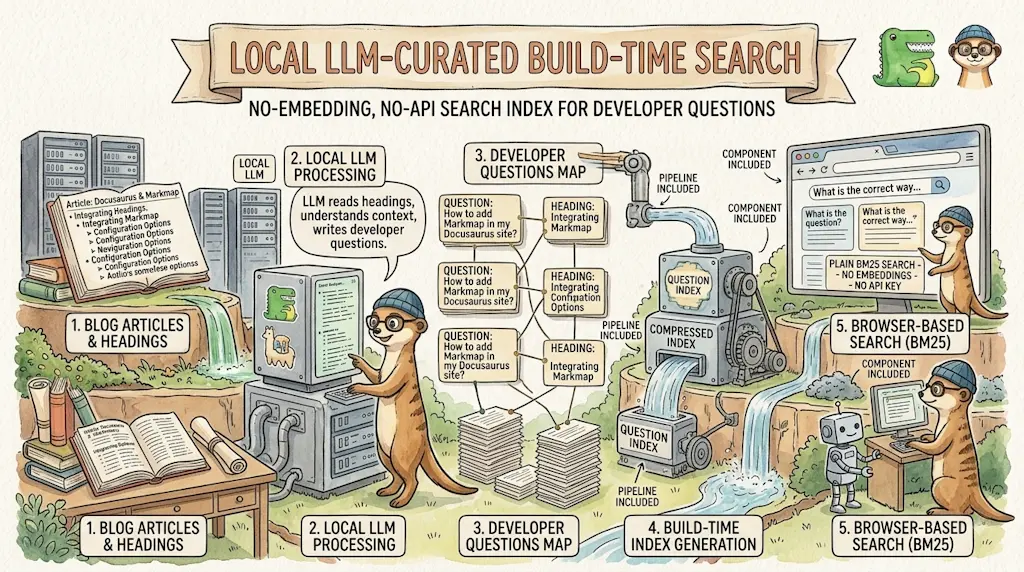
Ask My Blog: Turning 259 Articles Into 2,160 Searchable Questions
September 28, 2026
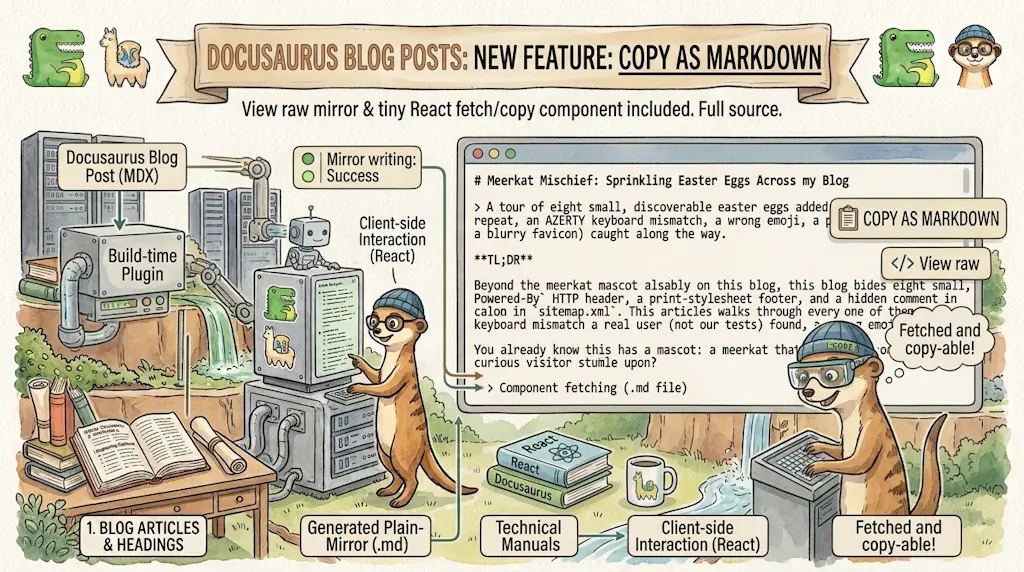
Add a "Copy as Markdown" Button to Your Docusaurus Blog
September 10, 2026
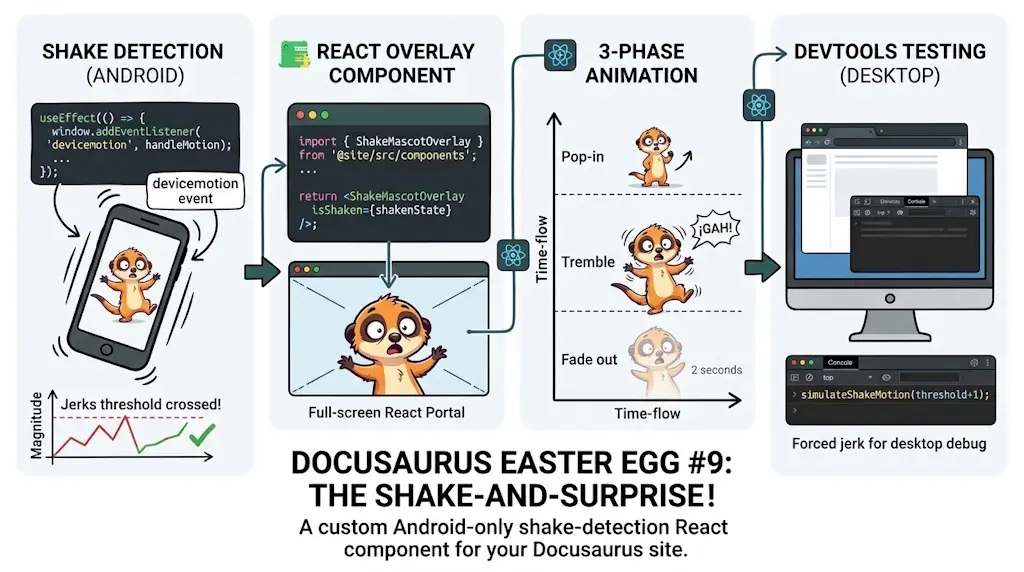
Shake Your Phone, Startle the Meerkat
August 27, 2026