JSON - Faker & Mockup
Generate and validate JSON data using Python's Faker library and Mockaroo. Learn to create fake data for testing and ensure file quality with schemas.

Changelog

This article covers generating and validating fake JSON test data: using Python's Faker library to script custom fake records, using Mockaroo.com (schema builder + free API) to generate large datasets like 1,000+ rows, and using an online JSON-to-schema converter with Python's jsonschema library to validate that received files match the expected structure.
I recently worked on an ETL project in Python. Among other things, the script had to process JSON files that users dropped into a specific folder.
As this was a sensitive application, it was important to validate the script by submitting fake JSON files, but also to ensure the quality of the files received.
Two companions when you work with JSON on the command line: The jq utility for Linux to inspect and filter a generated file, and Rendering a JSON file as a mind map to grasp the structure of an unfamiliar one at a glance.
For the fake files, I used a tool like the Faker library for Python.
Generate faker JSON file
So the idea is to generate a dictionary (a json file) with fake data. Using the Faker library, it's really, really easy.
First install the library using pip install faker.
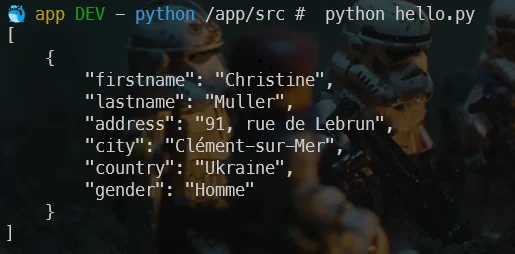
Below is a small Python script to generate fake data in French (just replace range(1) with range(100), for example, to get 100 records):
fake = Faker()
fake = Faker('fr_FR')
data = []
for _ in range(1): user = { 'firstname': fake.first_name(), 'lastname': fake.last_name(), 'address': fake.street_address(), 'city': fake.city(), 'country': fake.country(), 'gender': fake.random_element(elements=('Homme', 'Femme', 'Non binaire')) }
data.append(user)
# Pretty print the JSON dataprint(json.dumps(data, indent=4, ensure_ascii=False))This code creates fake French user data using the Faker library and prints it out as formatted JSON. It generates one user record with randomly picked French name, address, and gender information, stores it in a list, and then displays it in a readable JSON format.
Information
Continue your reading with the official Faker documentation: https://faker.readthedocs.io/en/master/
Using Mockaroo.com
The https://www.mockaroo.com/ website allows you to create fake data for free (to access certain functions, you will need to create a free account).
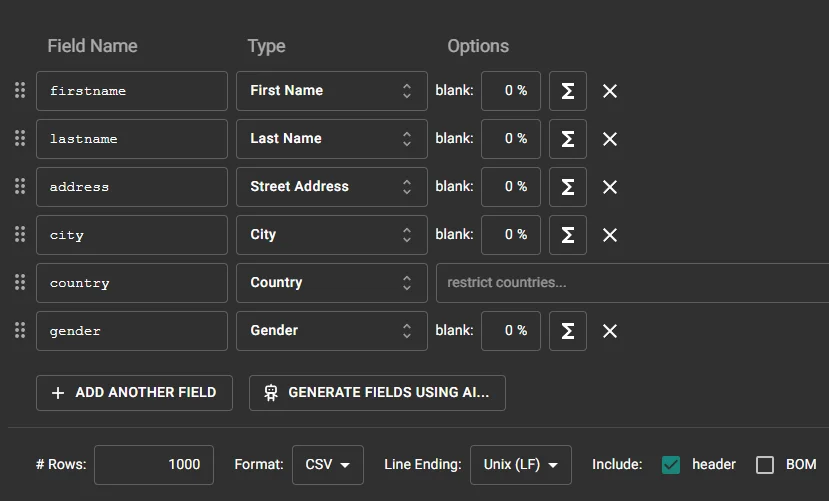
Creating a fake data using a schema
By creating a free account on Mockaroo, click on the Schemas button, then select Create a schema. In the next screen, click on Generate fields using AI... and paste an existing JSON string:
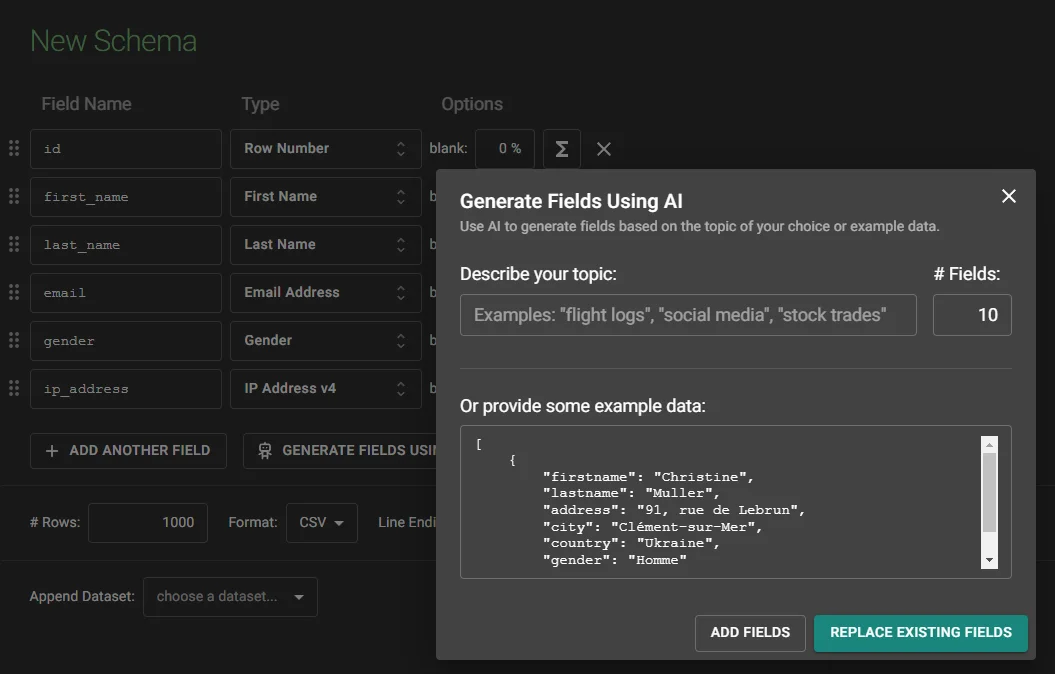
This done, you'll be able to generate a large number of rows — for instance, a file with more than 1,000 records.
By saving examples to a real JSON file on disk, you can then use that file to test your application.
Using API
By creating a free account on Mockaroo, you can obtain a free API key (allowing 200 requests/day).
The API documentation is here: https://mockaroo.com/docs.
Like previously, click on the Schemas button, create a schema and save it.
I've created the schema_test like this:

I can then use it in Python like this:
# My API key as displayed in my profile page on Mockarooapi_key = "MY_API_KEY"
# This is the name of my schemaschema = "schema_test"
# Number of records I wantnum_records = 10
# Construct the API endpoint URLurl = f"https://api.mockaroo.com/api/generate?key={api_key}&count={num_records}&schema={schema}"
# Make the API requestresponse = requests.get(url)
# Check if the request was successfulif response.status_code == 200: # Parse the JSON response data = response.json()
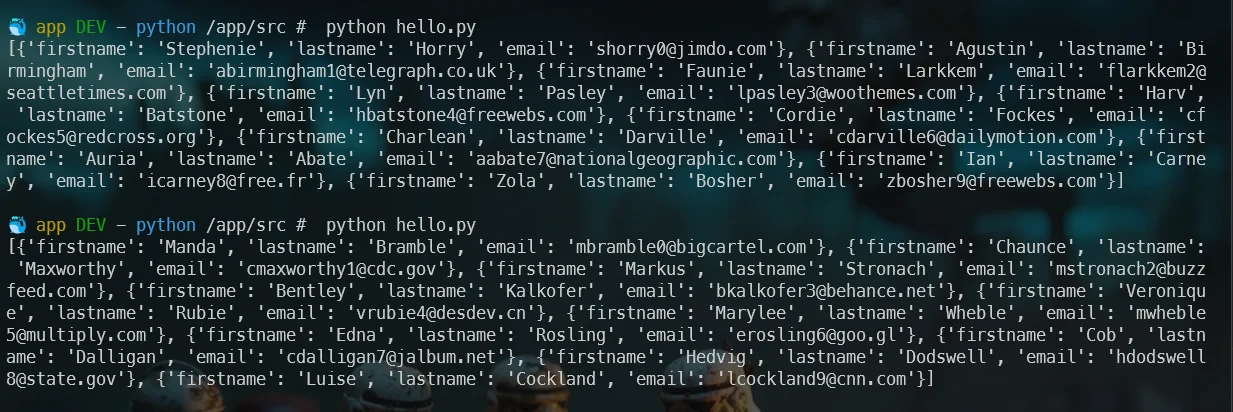
# Display the result on the console print(data)else: print(f"Error fetching data: {response.text}")This code calls the Mockaroo API to generate mock data. It constructs a URL with an API key, schema name, and record count, makes an HTTP request to fetch the data, and then prints either the resulting JSON data if successful or an error message if the request failed.
Information
To make this code work, remember to install the requests library: pip install requests.
By calling my script twice; each time I got a different set of data:
Online JSON to Schema Converter
The https://www.liquid-technologies.com/online-json-to-schema-converter site will allow you to copy/paste existing JSON and get a skeleton of a JSON schema.

Once you've the schema, you can use it in Python like this:
def validate_json(data_file, schema_file): with open(schema_file) as f: schema = json.load(f)
with open(data_file) as f: data = json.load(f)
jsonschema.validate(instance=data, schema=schema)
data_file = "data.json"schema_file = "schema.json"
try: validate_json(data_file, schema_file) print("Data is valid!")except jsonschema.exceptions.ValidationError as exception: print(f"Data is invalid: {exception}")This code validates a JSON data file against a JSON schema. It loads both files, uses the jsonschema library to check that the data matches the schema rules, and prints whether validation succeeded or failed.
Information
You'll need to run pip install jsonschema first.
Now, I'll test my file. The first time, my JSON file will be correct. I've then removed the city record from my JSON, and rerunning the script will indeed fail, as expected:

Information
As we can see, quite quickly, we've generated 1,000 records and, also, a validation schema. Then, using a few lines of Python, we've ensured the file is correct or, if not, we've spotted where the error is located.
Other JSON tools worth knowing about: rendering a JSON file as a mind map and linting/validating your JSON files.
Related posts

ai-explain: ELI5 for Scripts and Errors, Right in Your Terminal
November 12, 2026
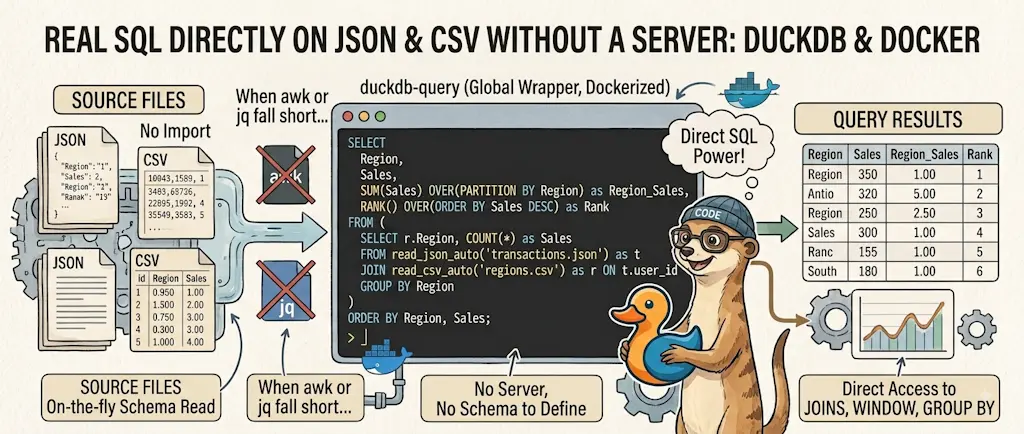
DuckDB - Query JSON and CSV Files With SQL, No Database Required
November 9, 2026
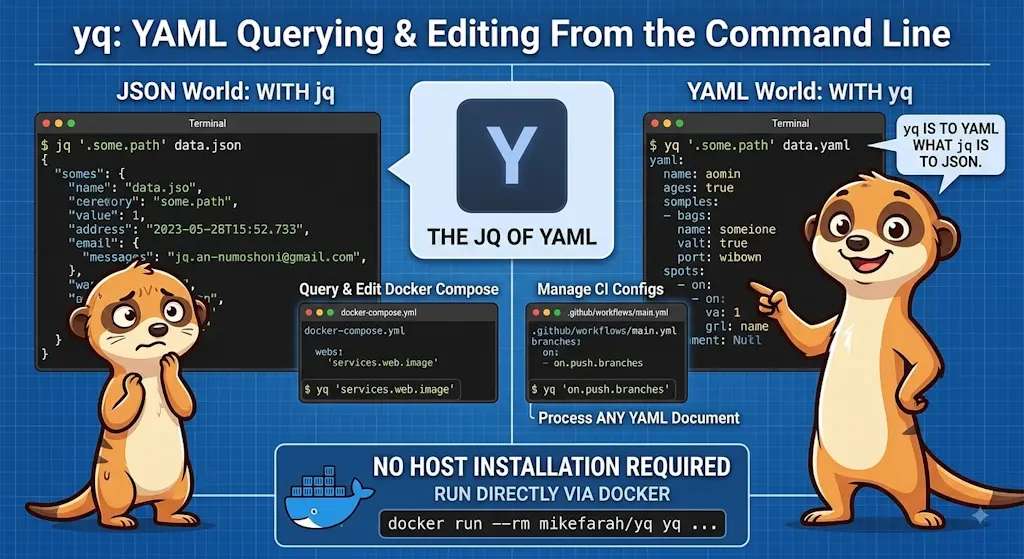
yq — The YAML Processor You Already Know How to Use
October 19, 2026
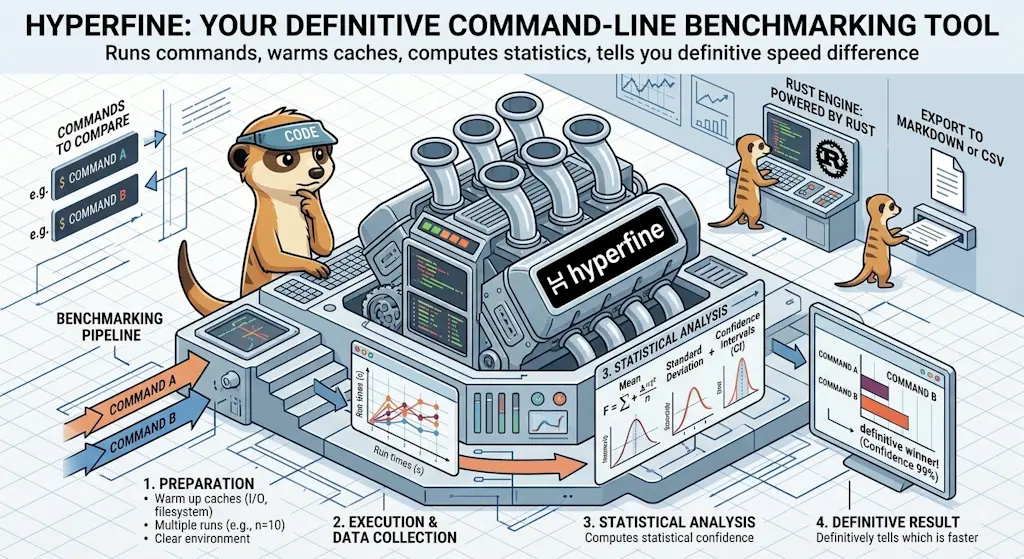
hyperfine — Stop Guessing Which Command Is Faster, Measure It
October 12, 2026

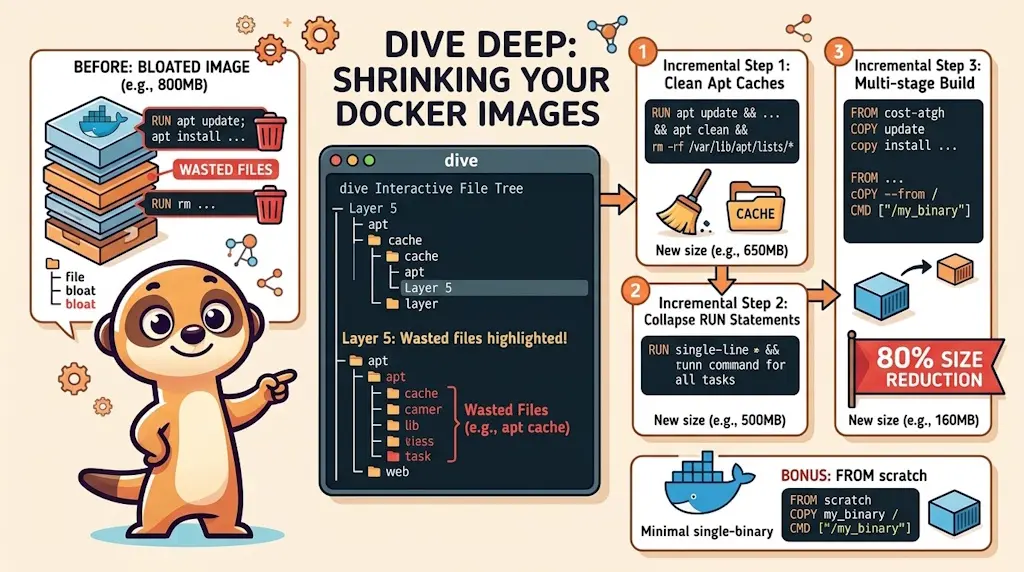
Docker Dive — X-Ray Your Images and Kill the Waste
September 24, 2026