JSON - Online linter
Find a quick and easy online JSON linter tool. Paste your JSON string to display it as a clear, readable tree-view with code folding features.

This article is over a year old but was reviewed on July 30, 2026 — the content is still accurate.
This article is part of the code quality series:
- Markdown linter - solve formatting issue in md files
- Rector 1.0.0 🎉🎉🎉, my friend, my coach
- Docker image that provides static analysis tools for PHP
- Clean code - Linux Bash - Keep the number of function parameters as small as possible
- SQL - Formatting tool
- JSON - Online linter
- Format poorly formatted PHP code
- Python - Code Quality tools
- Git - pre-commit-hooks
- Validate your OpenAPI schema against the Belgif REST standards

This article introduces the author's free JSON Linter tool (source on GitHub, hosted at jsonlint.avonture.be) for pasting a JSON string and viewing it as a foldable, readable tree — useful for both syntax-checking JSON you're writing and inspecting API responses. It also mentions the Chrome "JSON Formatter" extension for auto-formatting JSON pages in the browser.
Exactly like my SQL - Formatting tool, it's always useful to have a tool in your favorites that lets you copy/paste a JSON character string and display it as a tree-view with or without a code folding feature.
I use it quite regularly when I'm writing a JSON string and I want to check that there are no syntax errors (lint) or, on the other hand, and for example, when I call an API that returns JSON and I want to analyze the code received. In these cases, the collapse functionality comes in very handy.
Two alternatives depending on the context: jq when you're already in a console, and Rendering a JSON file as a mind map when the structure matters more than the values. To produce test JSON rather than read it, see JSON - Faker & Mockup.
Retrieve my JSON Linter tool and sources on https://github.com/cavo789/jsonlint.
The tool is accessible online: https://jsonlint.avonture.be/

Chrome Addon
If you're using Chrome and if the web page output is a JSON string, the JSON Formatter addon will immediately display it in a readable form.
For instance, instead of getting this page:

Chrome will show this:
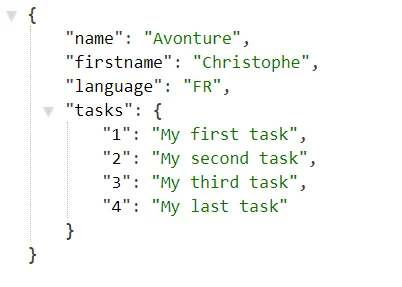
Other JSON tools worth knowing about: rendering a JSON file as a mind map and generating fake JSON data.
This article is part of the code quality series:
- Markdown linter - solve formatting issue in md files
- Rector 1.0.0 🎉🎉🎉, my friend, my coach
- Docker image that provides static analysis tools for PHP
- Clean code - Linux Bash - Keep the number of function parameters as small as possible
- SQL - Formatting tool
- JSON - Online linter
- Format poorly formatted PHP code
- Python - Code Quality tools
- Git - pre-commit-hooks
- Validate your OpenAPI schema against the Belgif REST standards
Related posts

ai-explain: ELI5 for Scripts and Errors, Right in Your Terminal
November 12, 2026
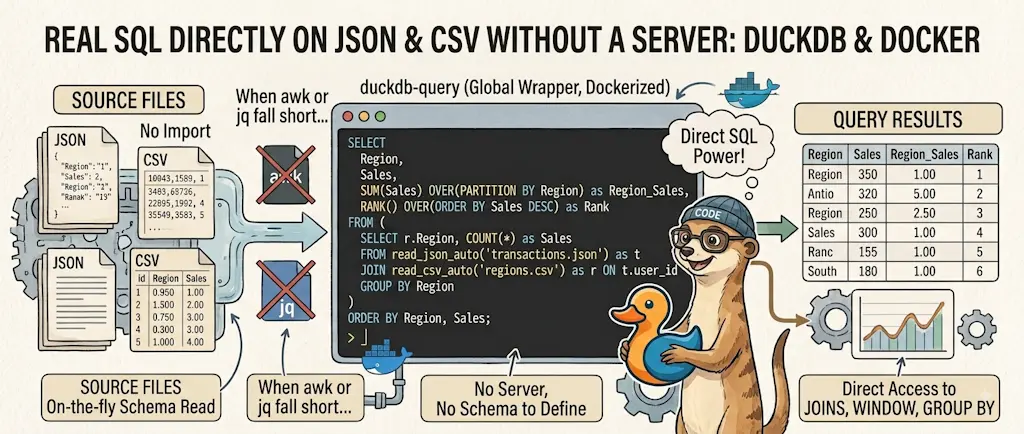
DuckDB - Query JSON and CSV Files With SQL, No Database Required
November 9, 2026
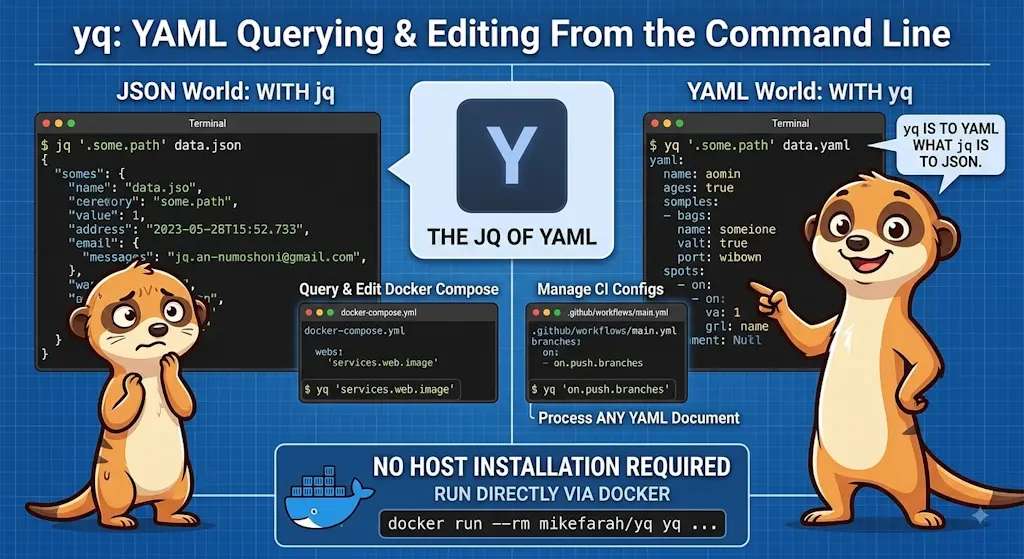
yq — The YAML Processor You Already Know How to Use
October 19, 2026
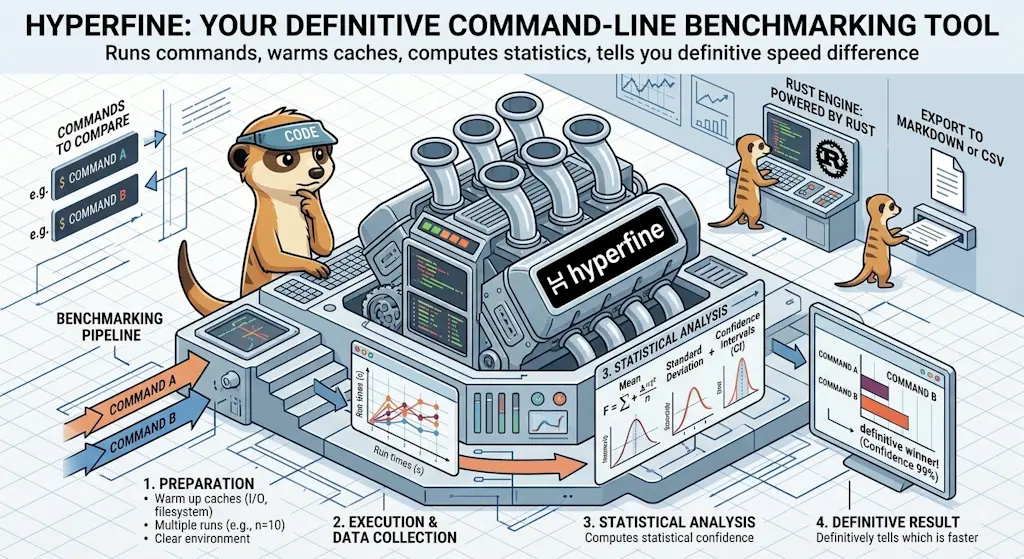
hyperfine — Stop Guessing Which Command Is Faster, Measure It
October 12, 2026

Docker Dive — X-Ray Your Images and Kill the Waste
September 24, 2026