Linux - Compare two versions of the same script
Use a simple Linux command-line trick with diff, grep, and awk to compare two versions of the same Bash script. Quickly identify missing or new functions across file versions or entire folders.

This article is over a year old but was reviewed on July 30, 2026 — the content is still accurate.
This article is part of the Writing better Bash scripts series:
- Bash - ASCII art
- Bash - Loading environment variables from a file
- Bash - Script to add logging features to your script
- Bash - Echo on the console and in a logfile in the same time
- Linux - Compare two versions of the same script
- Linux - Sort functions in a Bash script
- Linux - Generate documentation from Bash scripts
- Linux - Take advantage of the number of CPUs you have; start concurrent jobs
- Linux - Using a progression bar in your script
- Linux - Bash scripts - Running unit tests with bats/bats

This article shows how to compare two versions of the same Bash script by extracting each file's function names with grep/awk, sorting them, and diffing the two sorted lists with diff --side-by-side — revealing which functions were added, removed, or renamed regardless of their order in the file. It's then extended into a compare.sh script that runs the same comparison across every script in two folders.
Still faced with the problem of having to compare two versions of the same script (see the article Linux - Comparing two folders/files in the console), this time we're going to consider that the file we need to compare is a Bash script and that we have two versions of it.
And that we may have made the two files evolve in different ways, i.e. that one or other, or even both, of the files may have been modified.
The aim is therefore to compare the versions and highlight the differences.
Result

Two sorted function lists, side by side: whatever's only on one side is a function the other version doesn't have — regardless of where in the file it was declared.
Create some files for this blog post
To be able to reproduce examples used in this blog post, if you need it, please create two files.
Let's say /tmp/bash/console.sh for the first file with this content:
#!/usr/bin/env bash
function console::printCyan() {}
function console::askYesNo() {}
function console::printRed() {}
function console::printError() {}
function console::banner() {}This script defines a collection of shell functions for console output utilities—printing colored text in cyan and red, displaying errors, asking yes-or-no questions, and showing banners. The functions are declared but not implemented (their bodies are empty), so this appears to be a template or interface file that other scripts would source to get these utility functions.
And, for /tmp/bash/console_v2.sh, we'll add two new functions, printGreen and printBlue, in that order:
#!/usr/bin/env bash
function console::printCyan() {}
function console::askYesNo() {}
function console::printRed() {}
function console::printError() {}
function console::banner() {}
function console::printGreen() {}
function console::printBlue() {}This is a bash script that defines a set of placeholder functions for console output utilities. Each function is meant to handle printing colored text or prompting the user, but they're currently empty stubs that need implementation.
Get the list of functions in a Bash script
To get the list of functions declared in a script (let's say /tmp/bash/console.sh), just run the command below:
This function will retrieve any functions in the file i.e. lines starting with the word function followed by any whitespace character then the name of the function then followed by parenthesis. And, finally, sort the list:

Compare the two versions of the same Bash script and shows which functions are in one and not the other
Regardless of the order in which the functions are declared, the script below, which you can copy and paste into the console, will find the list of functions in the two files, sort the list and compare which functions are in one version and which are not in the other — that's the command and result shown at the top of this article, where we immediately see that the second file has two additions.
Of course, if we add a new function in console.sh and f.i. remove an existing one, we can see it too:

On the image here above, we see three indicators in the middle of the screen:
                                      > console::printBlue()
console::printPurple()                | console::printGreen()
console::verbose()                    | console::printRed()
The line with the > indicator means that console::printBlue() was found only in the second file so we know our first file didn't declare printBlue.
And lines with the | indicator highlight that we've a mismatch. On both sides we had sorted our list and so, if the same function had been on both sides, we would have had a match. But that's not the case here. On one side we have, for example, printPurple while on the other we have printGreen. And we've verbose and on the other side printRed. We can conclude that, in the first file, we don't have printGreen and printRed and, we don't have printPurple and verbose in the second file.
By adding printBlue, printGreen and printRed in our first file, now we got:

So now, we can see a new indicator <: the function was retrieved only in the first file and not in the second one. Once again, we've the confirmation that we've two new functions (printPurple and verbose) in our first file and not in the second one.
Right now, our /tmp/bash/console.sh contains this:
#!/usr/bin/env bash
function console::printCyan() {}
function console::askYesNo() {}
function console::printPurple() {}
function console::verbose() {}
function console::printError() {}
function console::banner() {}
function console::printBlue() {}
function console::printGreen() {}
function console::printRed() {}This is a bash script that declares a collection of console utility functions for printing colored text and handling user interaction. The functions are defined but not implemented here—they're likely defined elsewhere or will be filled in later. This acts as a library interface for displaying formatted output to users.
and, for /tmp/bash/console_v2.sh:
#!/usr/bin/env bash
function console::printCyan() {}
function console::askYesNo() {}
function console::printRed() {}
function console::printError() {}
function console::banner() {}
function console::printGreen() {}
function console::printBlue() {}This is a bash script that defines a collection of console utility functions for printing colored text and interactive prompts. The functions are namespaced with 'console::' prefix to organize them logically, though the actual implementations are empty stubs that would need to be filled in.
The order does not matter
Unlike a comparison with diff, the order in which the functions appear in the scripts is irrelevant, as we are sorting them. If you'd rather fix the cause than work around it, Linux - Sort functions in a Bash script reorders the functions in the files themselves.
Compare Bash scripts in two folders
In the previous chapter, we've seen how to compare two versions of the same script. Let's go one step further and compare two folders: for each script in the two folders, let's run a comparison.
To do this, create the compare.sh script on your hard drive with this content:
#!/usr/bin/env bash
clear
if [ ! $# -eq 2 ]; then echo "Usage: $0 <folder_1> <folder_2>" exit 1fi
sourceFolder="$1"compareWithFolder="$2"
[[ ! -d "${sourceFolder}" ]] && echo "Error: Source folder ${sourceFolder} not found." && exit 1[[ ! -d "${compareWithFolder}" ]] && echo "Error: CompareWith folder ${compareWithFolder} not found." && exit 1
pushd "${sourceFolder}" >/dev/null || exit 1
printf "\e[37;1m%s\e[0;1m\n\n" "Compare .sh scripts and detects functions that are in one of the files but not in the other between these two folders:"printf "\e[37;1m%s\e[0;1m\n" "LEFT SIDE = ${sourceFolder}"printf "\e[37;1m%s\e[0;1m\n\n" "RIGHT SIDE = ${compareWithFolder}"
printf "\e[37;1m%s\e[0;1m\n\n" "Legend:"printf "\e[37;1m1/ \e[34;1m%s\e[0;1m\n" "name1 <"printf "\e[37;1m\t%s\e[0;1m\n\n" "That function only exist in the first file; not in the second one"
printf "\e[37;1m2/ \e[34;1m%s\e[0;1m\n" "name1 | name2"printf "\e[37;1m\t%s\e[0;1m\n\n" "The function name1 only exists in the first file and name2 only exists in the second file"
printf "\e[37;1m3/ \e[34;1m%s\e[0;1m\n" " > name2"printf "\e[37;1m\t%s\e[0;1m\n\n" "The function name2 only exists in the second file"
printf "\e[41;1m%s\e[0;1m\n" "Warning: this script checks whether a function is present in one of the files and not in the other,"printf "\e[41;1m%s\e[0;1m\n" "but does not check whether the function code is identical. It just checks whether it is present or not."
for bashScript in *.sh; do if [[ -f "${compareWithFolder}/${bashScript}" ]]; then ( FILE1="${sourceFolder}/${bashScript}" FILE2="${compareWithFolder}/${bashScript}" printf "\e[32;1m%s\e[0;1m\n" "File ${bashScript}" diff --suppress-common-lines --side-by-side --width 83 \ <(grep -P "^(function\s+.*)\(\)" "${FILE1}" | awk '{print $2}' | sort) \ <(grep -P "^(function\s+.*)\(\)" "${FILE2}" | awk '{print $2}' | sort) && \ printf "\e[32;1m%s\e[0;1m\n" "The two files are identical" ) fidone
popd >/dev/null || exit 1This script compares two folders containing bash scripts and shows which functions exist in one folder but not the other. It validates that exactly two folder arguments are provided, confirms both folders exist, then loops through shell scripts in the first folder to extract and compare function names side-by-side.
Now, to run it, just start ./compare.sh foldername1 foldername2. You'll get something like below i.e. for each script in both folders (scripts present in just one folder are ignored), you'll get the name of the script (like array.sh) followed by the text The two files are identical if both files are identical or, if not, a list of function names and the indicator already seen i.e. <, > or |.

Using this script, it is easy to keep one of the two folders as the master (the left-hand folder), i.e. to reproduce in it all the functions that would have been added in a script in the second folder (the one corresponding to the right-hand column).
Once a function has been identified, simply open the right file and copy/paste the function into the corresponding file in the left folder.
By adding | grep -E -v "<$" to our grep statement, we can improve the script by ignoring cases when functions are only added in the left-hand folder. Imagine the requirement In the right-hand folder, if I've added functions to my scripts; what are these functions so that I can copy/paste them into the scripts in the left-hand folder?
#!/usr/bin/env bash
clear
if [ ! $# -eq 2 ]; then echo "Usage: $0 <folder_1> <folder_2>" exit 1fi
sourceFolder="$1"compareWithFolder="$2"
[[ ! -d "${sourceFolder}" ]] && echo "Error: Source folder ${sourceFolder} not found." && exit 1[[ ! -d "${compareWithFolder}" ]] && echo "Error: CompareWith folder ${compareWithFolder} not found." && exit 1
pushd "${sourceFolder}" >/dev/null || exit 1
printf "\e[37;1m%s\e[0;1m\n\n" "Compare .sh scripts and detects functions that are in one of the files but not in the other between these two folders:"printf "\e[37;1m%s\e[0;1m\n" "LEFT SIDE = ${sourceFolder}"printf "\e[37;1m%s\e[0;1m\n\n" "RIGHT SIDE = ${compareWithFolder}"
printf "\e[37;1m%s\e[0;1m\n\n" "Legend:"printf "\e[37;1m1/ \e[34;1m%s\e[0;1m\n" "name1 <"printf "\e[37;1m\t%s\e[0;1m\n\n" "That function only exist in the first file; not in the second one"
printf "\e[37;1m2/ \e[34;1m%s\e[0;1m\n" "name1 | name2"printf "\e[37;1m\t%s\e[0;1m\n\n" "The function name1 only exists in the first file and name2 only exists in the second file"
printf "\e[37;1m3/ \e[34;1m%s\e[0;1m\n" " > name2"printf "\e[37;1m\t%s\e[0;1m\n\n" "The function name2 only exists in the second file"
printf "\e[41;1m%s\e[0;1m\n" "Warning: this script checks whether a function is present in one of the files and not in the other,"printf "\e[41;1m%s\e[0;1m\n" "but does not check whether the function code is identical. It just checks whether it is present or not."
for bashScript in *.sh; do if [[ -f "${compareWithFolder}/${bashScript}" ]]; then ( FILE1="${sourceFolder}/${bashScript}" FILE2="${compareWithFolder}/${bashScript}" printf "\e[32;1m%s\e[0;1m\n" "File ${bashScript}" diff --suppress-common-lines --side-by-side --width 83 \ <(grep -P "^(function\s+.*)\(\)" "${FILE1}" | awk '{print $2}' | sort) \ <(grep -P "^(function\s+.*)\(\)" "${FILE2}" | awk '{print $2}' | sort) | grep -E -v "<$" ) fidone
popd >/dev/null || exit 1This script compares two folders containing bash scripts and displays which functions exist in one folder's scripts but not in the other. It validates that both folders exist, then loops through each .sh file in the first folder, extracting function names from both versions and showing the differences in a formatted, easy-to-read side-by-side comparison.
If we run this newer script on the exact same files, now, lines ending with < are hidden (only in the left-hand folder) and we just obtain cases when a function is present in the right-hand folder:

This makes it even easier to identify these functions and copy/paste them to the left, for example.
This article is part of the Writing better Bash scripts series:
- Bash - ASCII art
- Bash - Loading environment variables from a file
- Bash - Script to add logging features to your script
- Bash - Echo on the console and in a logfile in the same time
- Linux - Compare two versions of the same script
- Linux - Sort functions in a Bash script
- Linux - Generate documentation from Bash scripts
- Linux - Take advantage of the number of CPUs you have; start concurrent jobs
- Linux - Using a progression bar in your script
- Linux - Bash scripts - Running unit tests with bats/bats
Related posts

ai-explain: ELI5 for Scripts and Errors, Right in Your Terminal
November 12, 2026
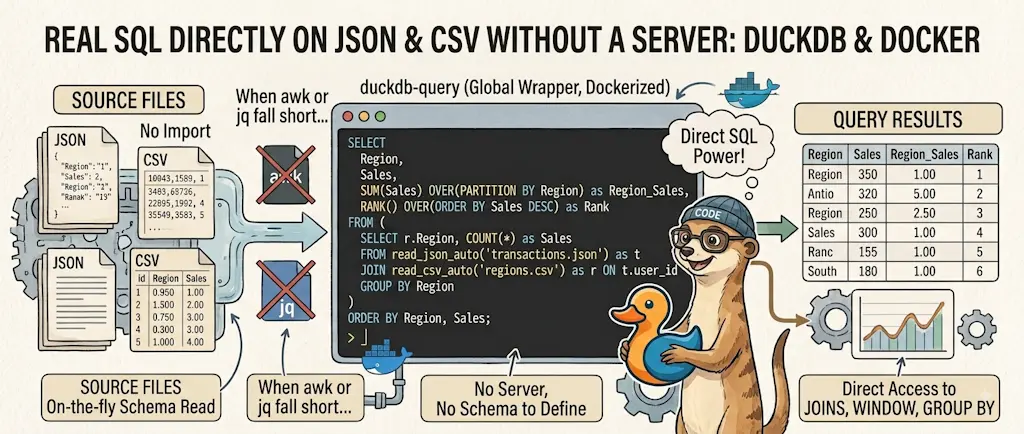
DuckDB - Query JSON and CSV Files With SQL, No Database Required
November 9, 2026
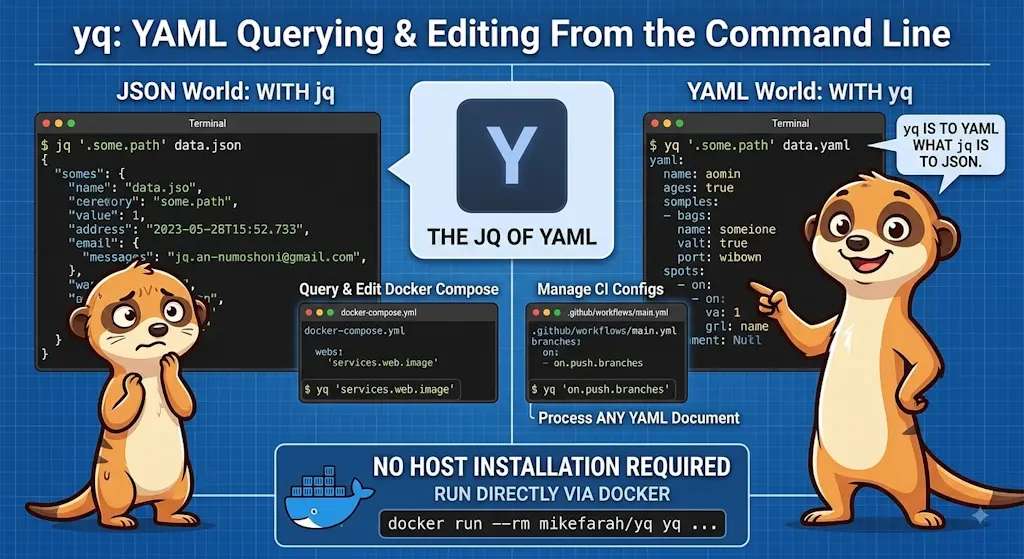
yq — The YAML Processor You Already Know How to Use
October 19, 2026
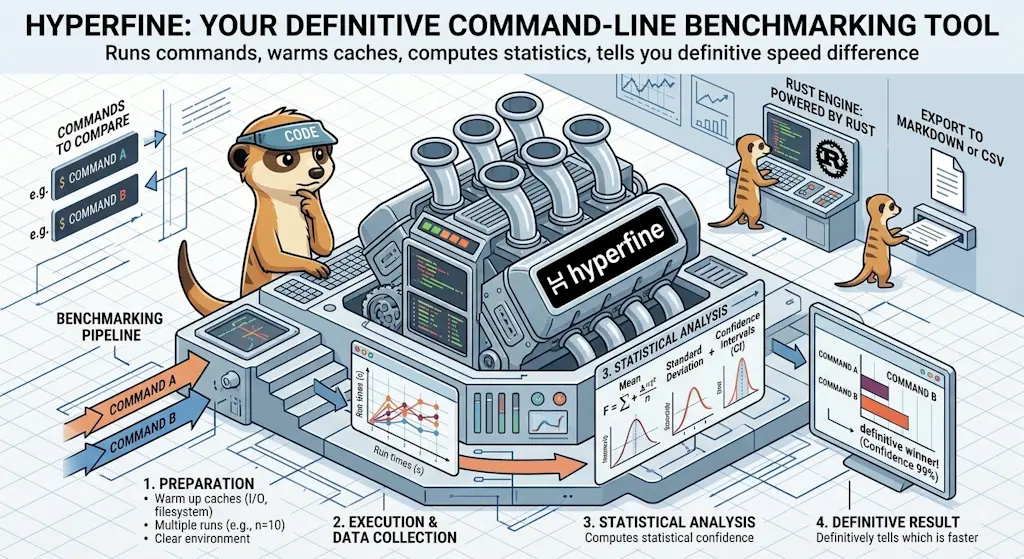
hyperfine — Stop Guessing Which Command Is Faster, Measure It
October 12, 2026


Docker Dive — X-Ray Your Images and Kill the Waste
September 24, 2026