Linux - Comparing two folders/files in the console
Efficiently compare two files or entire folders in Linux using the diff command. Get advanced bash scripts for industrial-level comparison.

This article is over a year old but was reviewed on July 30, 2026 — the content is still accurate.

This article shares reusable diff-based snippets for comparing two files or two entire folders from the console, going beyond the plain diff file1 file2 / diff folder1 folder2 to support repeated, scripted comparisons — including a variant that hides "only in source" noise when comparing folder trees.
Natively, Linux has a command-line tool called diff for comparing two folders or files. Comparing two folders is quite simple: diff folder_1 folder2. And it's no more complicated for two files: diff file_1 file2.
However, when you want to do this in a slightly more industrialized way (launch a very large number of comparisons to compare two versions of the same project, for example), the use of a few flags and snippets comes in handy.
Two specialized cases are covered elsewhere on this blog: Compare environment files in the Linux console, where order and comments must be ignored, and Linux - Compare two versions of the same script.
Compare two files
Compares two files and displays only the differences. Just copy/paste the code below in your console and update the three variables you'll find in the first three lines.
The example below will check a given file (string.sh) located in both folder src and ./../another_project/src.
Information
You can reuse this snippet for any file you want (the language doesn't matter).
FILE="string.sh"FOLDER_SOURCE="src"FOLDER_COMPARE_WITH="./../another_project/src"
clear
[[ ! -d "${FOLDER_SOURCE}" ]] && printf "\033[1;31mThe folder %s didn't exists\033[0m\n" "${FOLDER_SOURCE}" && return 0[[ ! -f "${FOLDER_SOURCE}/${FILE}" ]] && printf "\033[1;31mThe file %s didn't exists\033[0m\n" "${FOLDER_SOURCE}/${FILE}" && return 0[[ ! -d "${FOLDER_COMPARE_WITH}" ]] && printf "\033[1;31mThe folder %s didn't exists\033[0m\n" "${FOLDER_COMPARE_WITH}" && return 0[[ ! -f "${FOLDER_COMPARE_WITH}/${FILE}" ]] && printf "\033[1;31mThe file %s didn't exists\033[0m\n" "${FOLDER_COMPARE_WITH}/${FILE}" && return 0
printf "\033[1;34m%s %s %s %s\033[0m\n" "Compare" "${FOLDER_SOURCE}/${FILE}" "against" "${FOLDER_COMPARE_WITH}/${FILE}"printf "\033[1;34m%s \033[1;31m%s \033[1;34m%s \033[1;32m%s\033[0m\n\n" "Below in red sentences from" "${FOLDER_SOURCE}/${FILE}" "and, in green, sentences from" "${FOLDER_COMPARE_WITH}/${FILE}"
pushd "${FOLDER_SOURCE}" > /dev/null && diff --suppress-common-lines "${FILE}" "${FOLDER_COMPARE_WITH}"/"${FILE}" && echo "Congratulations, the two files are exactly the same" ; popd > /dev/nullThis script compares two versions of the same file located in different project folders. It first validates that both folders and files exist, then uses the diff command to show what lines differ between them, printing a success message if they're identical.
Compare two folders
Compares two folders and displays a list of files that are only in one of the two folders or where there is a difference.
FOLDER_SOURCE="src"FOLDER_COMPARE_WITH="./../another_project/src"
clear
[[ ! -d "${FOLDER_SOURCE}" ]] && printf "\033[1;31mThe folder %s didn't exists\033[0m\n" "${FOLDER_SOURCE}" && return 0[[ ! -d "${FOLDER_COMPARE_WITH}" ]] && printf "\033[1;31mThe folder %s didn't exists\033[0m\n" "${FOLDER_COMPARE_WITH}" && return 0
printf "\033[1;34m%s %s %s %s\033[0m\n" "Compare folder" "${FOLDER_SOURCE}" "against" "${FOLDER_COMPARE_WITH}"
pushd "${FOLDER_SOURCE}" > /dev/null && LC_ALL=C diff --brief --ignore-blank-line . "${FOLDER_COMPARE_WITH}" ; popd > /dev/nullThis script compares two source code directories to find differences between them. It first validates that both folders exist, then uses the diff command to identify which files differ between the source folder and another project's source folder, while ignoring blank lines.
This variation allows you to hide the message Only in . i.e. when a file is present in the first folder (the SOURCE one) and not in the second one (the COMPARE_WITH one).
The raw output of diff is not the most readable thing on earth. If the files you compare live in a git repository, delta: a Syntax-Highlighted Pager for git diff makes the same information far easier to read.
FOLDER_SOURCE="src"FOLDER_COMPARE_WITH="./../another_project/src"
clear
[[ ! -d "${FOLDER_SOURCE}" ]] && printf "\033[1;31mThe folder %s didn't exists\033[0m\n" "${FOLDER_SOURCE}" && return 0[[ ! -d "${FOLDER_COMPARE_WITH}" ]] && printf "\033[1;31mThe folder %s didn't exists\033[0m\n" "${FOLDER_COMPARE_WITH}" && return 0
printf "\033[1;34m%s %s %s %s\033[0m\n" "Compare folder" "${FOLDER_SOURCE}" "against" "${FOLDER_COMPARE_WITH}"
pushd "${FOLDER_SOURCE}" > /dev/null && LC_ALL=C diff --brief --ignore-blank-line . "${FOLDER_COMPARE_WITH}" | grep -v '^Only in \.' ; popd > /dev/nullThis script compares the contents of two source code folders to find differences between them. It first validates that both folders exist, then uses the diff command to show which files differ between the local 'src' folder and a corresponding 'src' folder in another project, filtering out files that only exist locally.
Related posts

ai-explain: ELI5 for Scripts and Errors, Right in Your Terminal
November 12, 2026
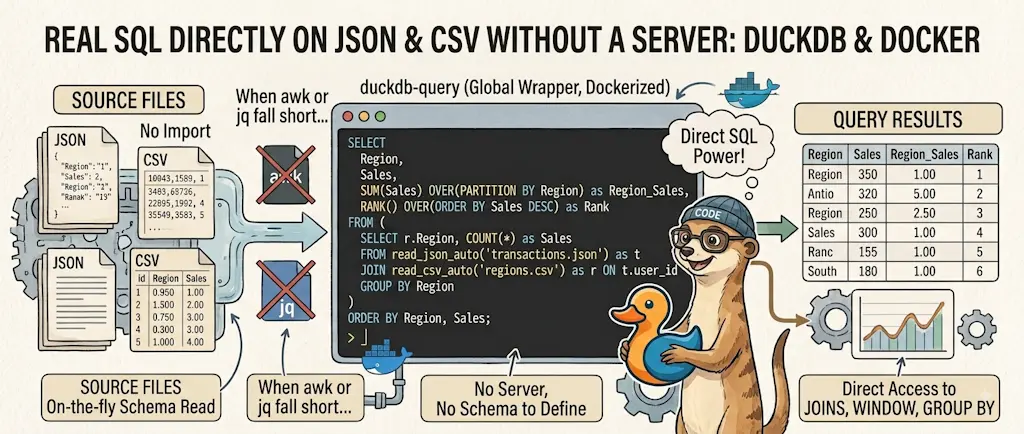
DuckDB - Query JSON and CSV Files With SQL, No Database Required
November 9, 2026
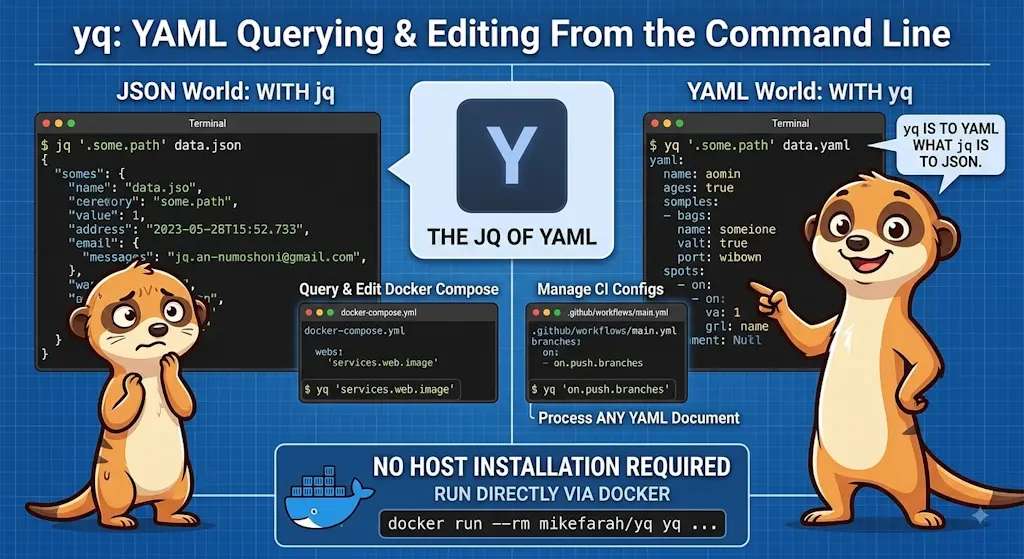
yq — The YAML Processor You Already Know How to Use
October 19, 2026
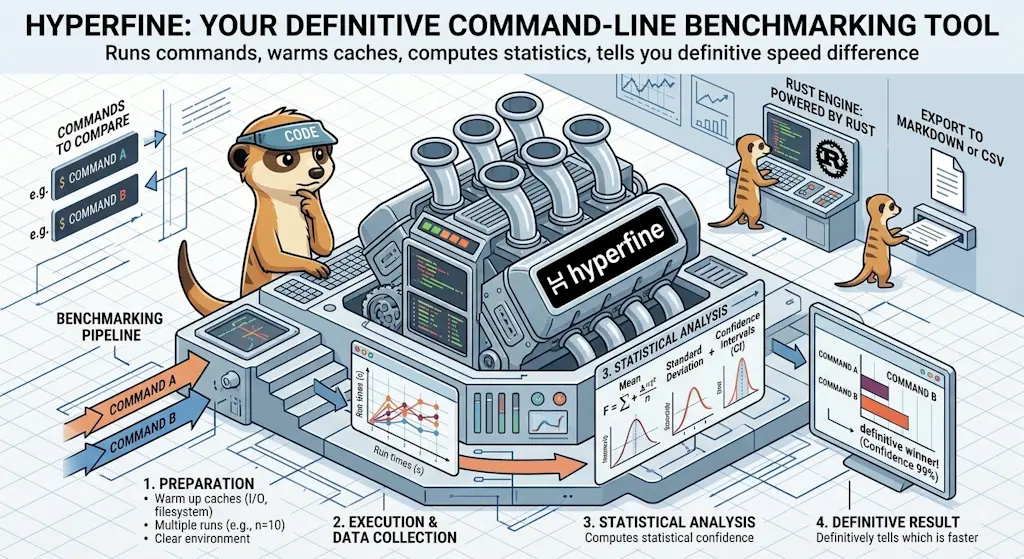
hyperfine — Stop Guessing Which Command Is Faster, Measure It
October 12, 2026

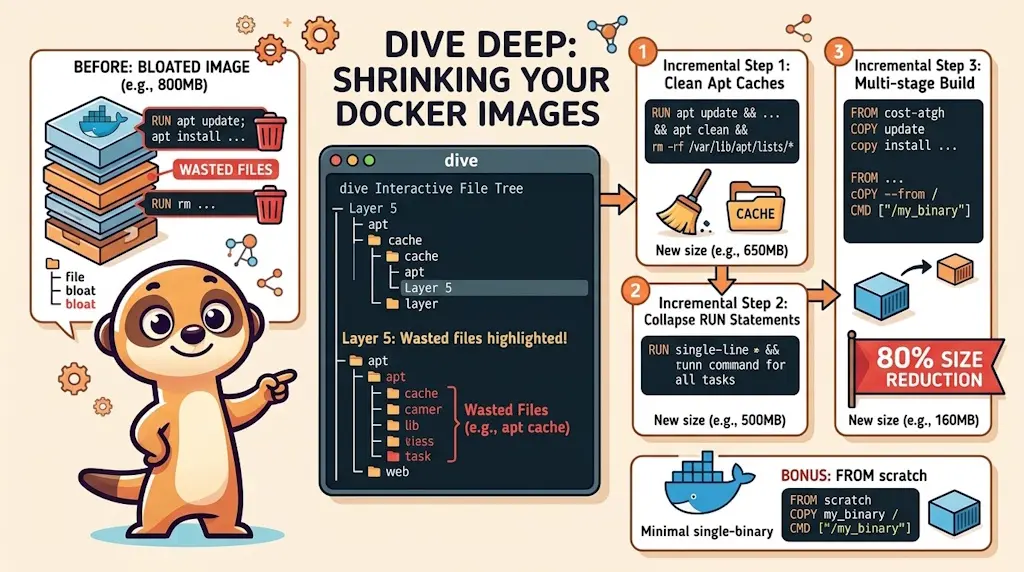
Docker Dive — X-Ray Your Images and Kill the Waste
September 24, 2026