Markdown folding not working
Fix your VS Code Markdown code folding issue! Learn why folding may not be working and discover the simple solution to enable code blocks and headings folding for a cleaner editing experience.

This article is over a year old but was reviewed on July 30, 2026 — the content is still accurate.
This article is part of the VSCode - Tips, extensions and shortcuts series:
- Markdown folding not working
- Start vscode from github.com
- Sticky scroll in vscode
- Autosave feature in VSCode
- Error Lens addon for VSCode
- CodeSnap addon for VSCode
- Export the list of extensions you've installed in VSCode
- Multiple cursors in vscode
- PHP Getter and Setter in VSCode
- Working with regions in VSCode
- Using the JetBrains Mono font in vscode
- Todo Tree in VSCode
- Do I need VSCode on my machine to use it?

This article fixes a case where code folding doesn't work in VSCode's Markdown editor: make sure the built-in @builtin Markdown Language Features extension is enabled.
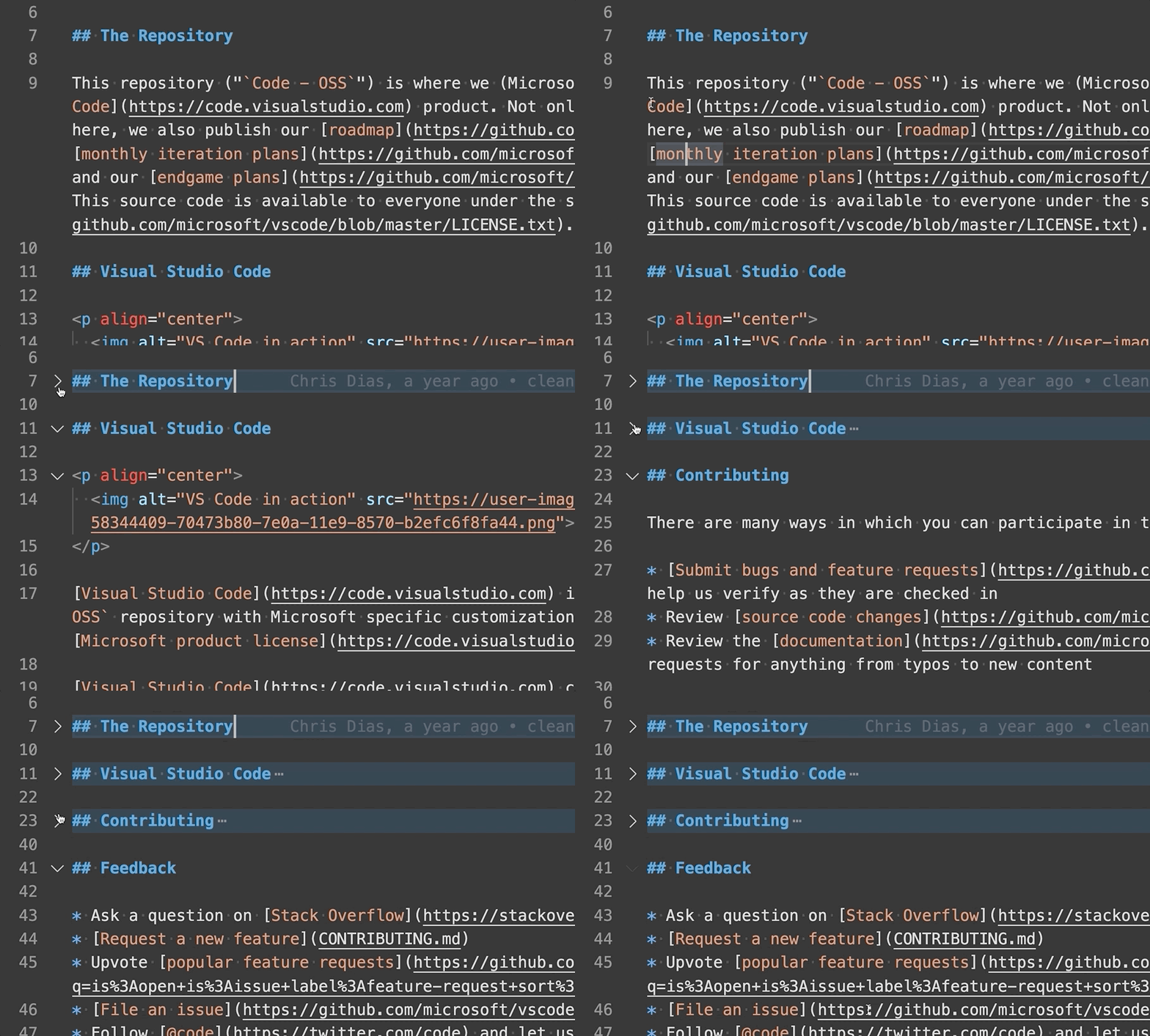
In case code folding is not working in Markdown mode as illustrated below, make sure the @builtin Markdown Language Features addon is enabled. That same built-in extension powers sticky scroll in Markdown files, which stops working for the same reason.

Once folding works again, you may want more control over what gets folded: Working with regions in VSCode shows how to define your own foldable blocks, even in file types VSCode doesn't support natively.
This article is part of the VSCode - Tips, extensions and shortcuts series:
- Markdown folding not working
- Start vscode from github.com
- Sticky scroll in vscode
- Autosave feature in VSCode
- Error Lens addon for VSCode
- CodeSnap addon for VSCode
- Export the list of extensions you've installed in VSCode
- Multiple cursors in vscode
- PHP Getter and Setter in VSCode
- Working with regions in VSCode
- Using the JetBrains Mono font in vscode
- Todo Tree in VSCode
- Do I need VSCode on my machine to use it?